
Knowing how to manage your files will make you a more efficient Windows user One of the most important things to learn how to do with your computer is to learn how… Read More
Windows comes with many tools and utilities to do a variety of things such as performing backups, defragmenting your hard drive, changing your default programs, adding printers and so on. If you… Read More
Now that many people have multiple computers in their home they are starting to look more into sharing resources like printers rather than buying one for each computer. If your computers at… Read More
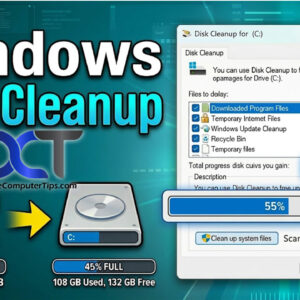
Over time your computer will accumulate “junk” such as temporary internet files, temporary Windows files, temp files from installing and uninstalling software, downloaded program files and so on. After awhile these will… Read More
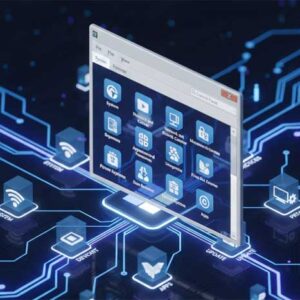
The Fonts section will display all of your installed fonts. Here you can get an idea of what each font looks like as well as add or remove additional fonts. Double clicking… Read More
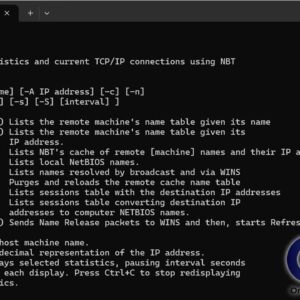
Have you ever wanted to know what computer belongs to what IP address? This information can come in very handy when trying to troubleshoot network issues or see if there are devices… Read More
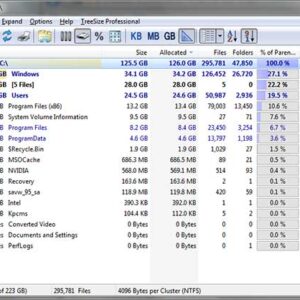
Here is a newer writeup of the TreeSize app on our website. If you are a power computer user then you most likely have a lot of programs installed on your computer… Read More
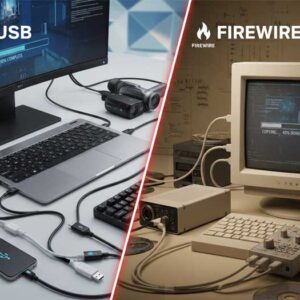
When it comes to connecting devices to computers, two names often come up: USB (Universal Serial Bus) and FireWire (IEEE 1394). Both have played significant roles in data transfer technology, but they… Read More
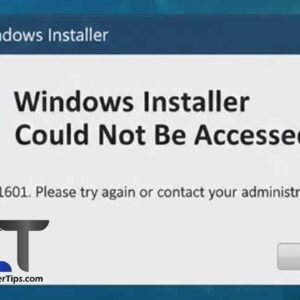
When you are trying to install, uninstall or repair a program, you may receive an error that says Windows Installer could not be accessed and that the Windows Installer files are missing… Read More
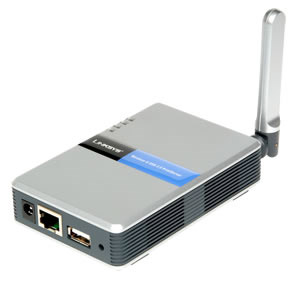
Almost everyone who has a computer has the need to print a document or picture at some time. But if you have multiple computers and only one printer on your network then… Read More