
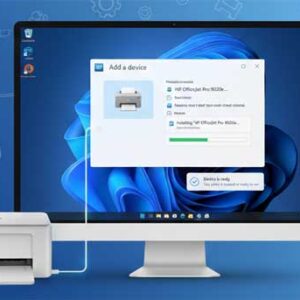
Almost everyone who uses a computer has needed to print a document or picture at some time or another. But in order to do so you first need to have a printer… Read More
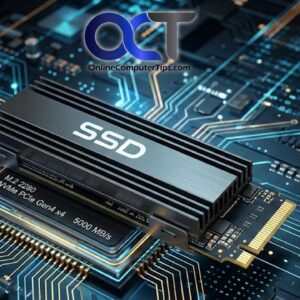
Hard drives are the component of your computer that stores your files as well as what your operating system is installed on. Without a hard drive you can’t store any information on… Read More
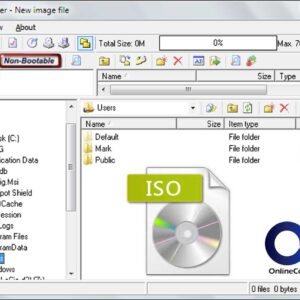
Software comes in a variety of formats such as on a CD or DVD or as executable file (.exe) that you download off the Internet. Nowadays many software packages come as ISO… Read More
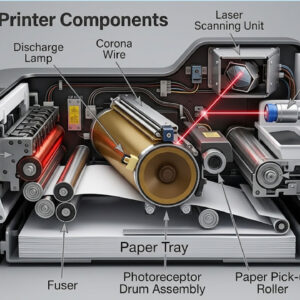
Almost everyone who has a computer has printed or has had the need to print something at some time whether it’s been a document or picture etc. When it comes to printers,… Read More
RAM (Random Access Memory) or just memory for short is what your computer uses to temporarily run programs with or open files in while you use them. It’s much faster than hard… Read More
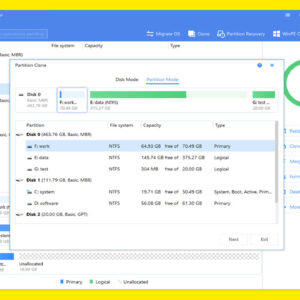
Partitioning of a hard drive is when you take a single physical hard drive and divide it into logical partitions or sections. For example if you have a 500GB hard drive you… Read More

Thunderbird is a popular email program created by Mozilla who also make the Firefox web browser. It’s free to use and has a similar interface to other email programs such as Microsoft… Read More
Everyone loves a faster way to do things in order to increase your productivity. Microsoft realized this when they added shortcut keys to Windows as well as their other software products. Most… Read More
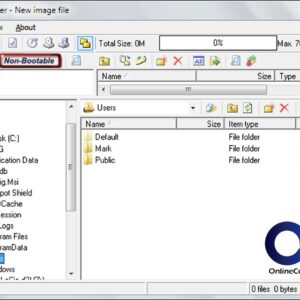
You may or may have not had to use an ISO file or may have never even heard of one. ISO files are single files that contain multiple files kind of like… Read More
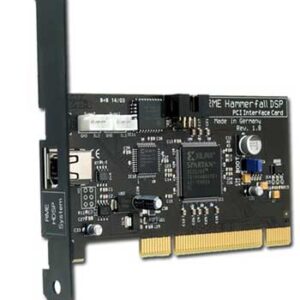
Computers consist of many parts or components that have various functions such as providing video or sound to your computer. Without these components you will not be able to do things like… Read More