
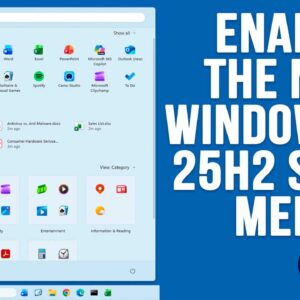
If you are a Windows 11 user, then you know how often Microsoft likes to change things around as well as add or remove features, sometimes ones we even like! For example,… Read More
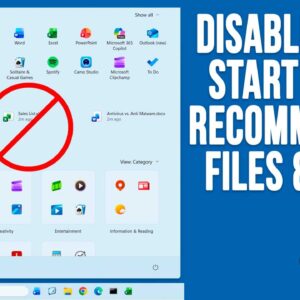
As you probably know, Microsoft is constantly updating Windows 11 with new features and for some people, this can be hard to keep track of. And for others, they might not even… Read More
Securing sensitive data is becoming increasingly critical for Windows users, whether you’re a home user, an IT professional, or a small business owner. Microsoft offers two built-in options: BitLocker and Device Encryption.… Read More
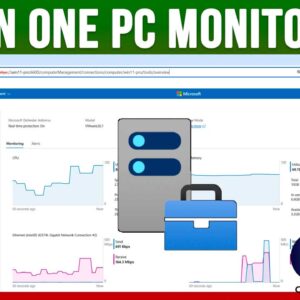
As you probably know, Microsoft Windows is the most popular operating system in use today at home and at the office. Sure, you can run macOS, Linux and even UNIX but Windows… Read More
Update, here is an easier method to save your File Explorer searches you may want to check out. Searching for files and folders has never been as easy as it should be… Read More

PowerShell is a command-line shell and scripting language created by Microsoft, used to automate tasks and manage system settings across Windows, macOS, and Linux. It’s popular among IT professionals and system administrators… Read More
If you transitioned from Windows 10 to Windows 11, you’ve probably noticed a significant shift in the overall design and functionality. Many familiar features have been altered or removed, and several built-in… Read More
If you were previously running Windows 10 and have “upgraded” to Windows 11, you have most likely noticed many changes when it comes to how Windows looks and also how many of… Read More
Windows 11 receives updates on a regular basis and some of these updates will be for security patches or driver updates and then others will be major build updates which are also… Read More
As you probably know, Windows 10 is nearing its end of life period and will no longer be supported for security updates/patches after October 25, 2025. But Microsoft has decided to extend… Read More