

Computers use sound cards to send sound signals from your computer to your speakers. A sound card is a piece of hardware inside the computer that can be built into the motherboard… Read More

Windows Resource Monitor is a tool to help you see your system resources are and find out what processes and services are using them. The resources are monitored in real time; making… Read More
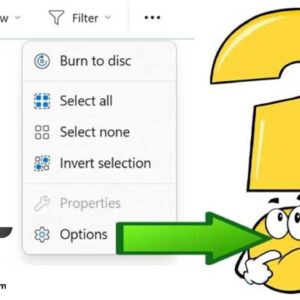
Folder Options (now known as File Explorer Options) allows you to customize how your files and folders appear. From showing hidden files to changing how search works, power users rely on these… Read More

Think of Windows System Restore as a “time machine” for your PC’s system files and registry. If a new driver, a Windows update, or a software installation causes your computer to crash… Read More
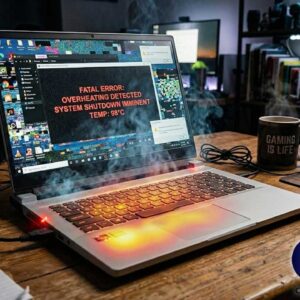
Does your gaming laptop Overheat when you play high-end games for an extended amount of time? You really should know the reasons why your gaming laptop is overheating. This guide will help… Read More

A computer that refuses to boot, or takes forever to reach the desktop is one of the most frustrating tech issues you can face. Whether you’re staring at a black screen, a… Read More

As you probably know, computers are prone to having issues from time to time such as random crashing or freezing, blue screen errors (BSOD), malware infections, disk errors and more. And if… Read More

When it comes to repairing your PC, you really need to have the right tools at your disposal to make sure you have everything you need to get the job done. There… Read More
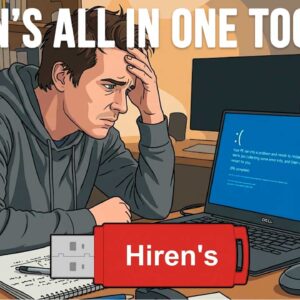
With computers getting more advanced and Microsoft adding more features to Windows (especially AI), it has become a bit more challenging to diagnose and repair your computer when it crashes. Sure, we… Read More
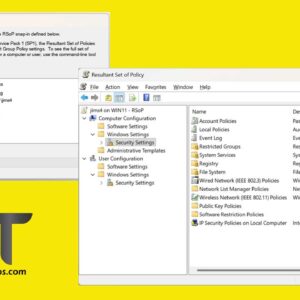
Group Policy is the “engine” Windows uses to manage system settings, security restrictions, and software configurations. In a corporate environment, it’s how IT admins disable the Control Panel or map network drives… Read More