
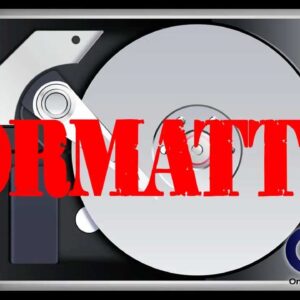
There may come a time when you will need to format your hard drive for some reason or another. These reasons may be because you are installing new operating system from scratch,… Read More

If you are an IT admin at place that uses a Microsoft Windows Active Directory domain then you might have the need to import employee pictures into Active Directory so they can… Read More
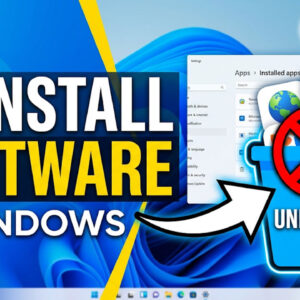
There most likely will come a time when you will need to remove some software off of your computer. Maybe it will be a case of you not needing the software anymore… Read More
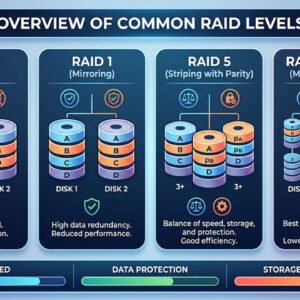
When it comes to corporate data on enterprise level storage it’s important to make sure that your data is protected and available at all times, or as close to that as you… Read More
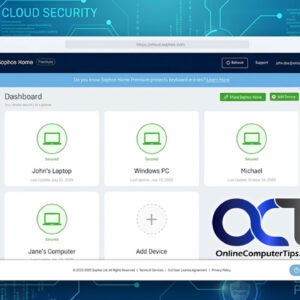
When trying to keep your computer safe it seems that there are way too many options to choose from when it comes to antivirus software. Of course there are the big players… Read More
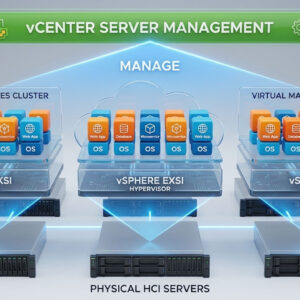
With technology expanding at an exponential rate it seems like the hardware associated with it keeps getting smaller and smaller because we can now pack more power into smaller packages. And with… Read More
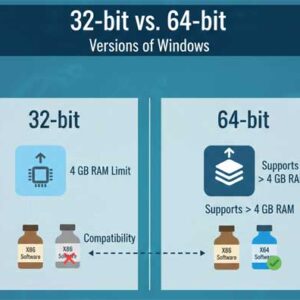
Starting with Windows XP, Microsoft started offering a 64 bit version of its operating system. Unfortunately the 64 bit version of Windows XP didn’t have much success thanks to the lack of… Read More
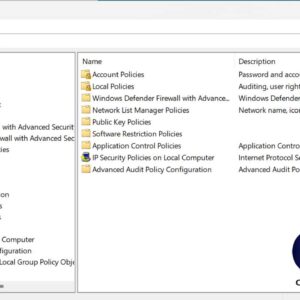
Windows 2000 and higher versions allow you to adjust the local security settings for a particular computer. If the computer was part of a domain on a network then these settings would… Read More
If you’ve spent any time on a PC, you’ve seen them: those cryptic pop-ups and blue screens that seem designed to be as unhelpful as possible. In the old days, we had… Read More
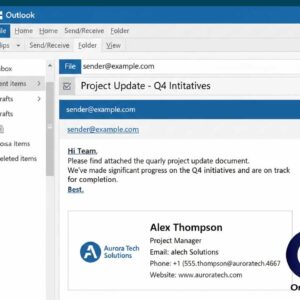
Outlook email signatures are text and or images that are placed in the body of an email message commonly used for things such as showing a person’s name, title, address, phone number… Read More