
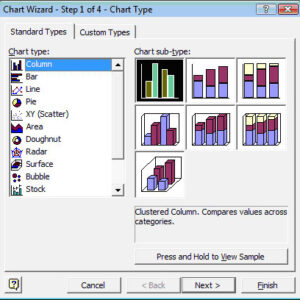
Excel is a spreadsheet application from Microsoft and is the most popular of its type in use today. A spreadsheet is used for capturing, displaying, and manipulating data arranged in rows and… Read More
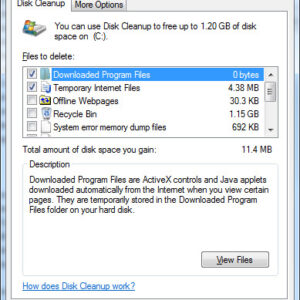
Over time your computer will accumulate “junk” such as temporary internet files, temporary Windows files, temp files from installing and uninstalling software, downloaded program files and so on. After awhile these will… Read More

Not all hardware will run all operating systems, especially Windows. Hardware components such as processors and RAM are getting faster all the time and that’s a good thing because operating system requirements… Read More

The Fonts section will display all of your installed fonts. Here you can get an idea of what each font looks like as well as add or remove additional fonts. Double clicking… Read More

Power Options is used to change how your computer uses power in regards to putting the monitor, hard drive or entire computer to sleep or going into hibernation mode. There are a… Read More

All operating systems have configurable settings that allow you to change the way things are done and how things are configured. For example you may need to add some new hardware to… Read More
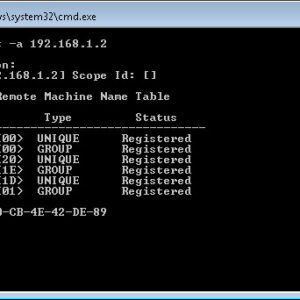
Have you ever wanted to know what computer belongs to what IP address? This information can come in very handy when trying to troubleshoot network issues or see if there are devices… Read More

Now you can replicate those directories with a GUI Robocopy (Robust File Copy) is a directory replication tool and was command line only at first. It is part of the Windows Resource… Read More
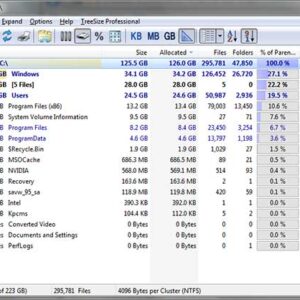
If you are a power computer user then you most likely have a lot of programs installed on your computer and have a lot of files stored on your hard drive. Nowadays… Read More

When it comes to connecting devices to computers, two names often come up: USB (Universal Serial Bus) and FireWire (IEEE 1394). Both have played significant roles in data transfer technology, but they… Read More