
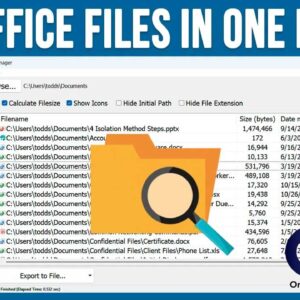
Most people who use Microsoft Windows as the operating system on their computer also use Microsoft Office for their office productivity software. And when it comes to storing documents, spreadsheets and the… Read More
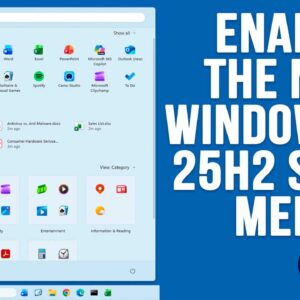
If you are a Windows 11 user, then you know how often Microsoft likes to change things around as well as add or remove features, sometimes ones we even like! For example,… Read More
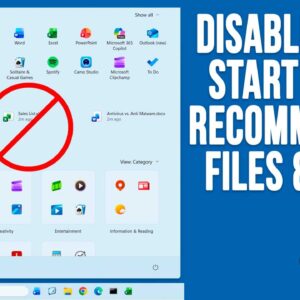
As you probably know, Microsoft is constantly updating Windows 11 with new features and for some people, this can be hard to keep track of. And for others, they might not even… Read More
Securing sensitive data is becoming increasingly critical for Windows users, whether you’re a home user, an IT professional, or a small business owner. Microsoft offers two built-in options: BitLocker and Device Encryption.… Read More

If you have a situation where you have a video such as a concert or maybe even something like a speech and you want to have a copy of just the audio… Read More

Thanks to the invention of the smartphone and its high quality camera, now everyone is obsessed with filming anything they think they or others might be interested in watching. Thanks to social… Read More
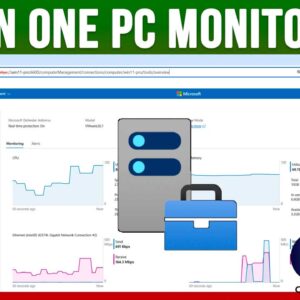
As you probably know, Microsoft Windows is the most popular operating system in use today at home and at the office. Sure, you can run macOS, Linux and even UNIX but Windows… Read More
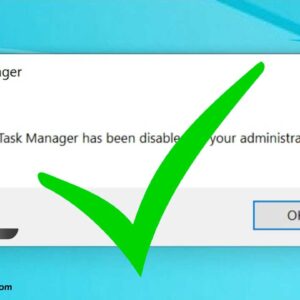
The Windows Task Manager is used to do things such as end unresponsive programs and services when they crash and don’t want to close. It’s also used to monitor performance for hardware… Read More
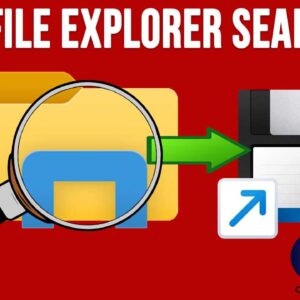
Update, here is an easier method to save your File Explorer searches you may want to check out. Searching for files and folders has never been as easy as it should be… Read More
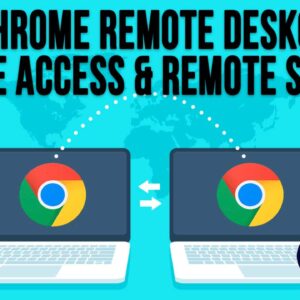
Remotely controlling computers over the network or the internet has been common practice for many years. In fact, there are multiple apps that are available to make these types of connections so… Read More