

Microsoft Word allows you to add watermarks to your documents. Watermarks are light images or text that behind regular text in your document. I’m sure you have seen one of those documents… Read More

Whether you are managing a corporate project team, coaching a local sports league, or just organizing a family reunion, typing out the same twenty email addresses over and over is incredibly tedious.… Read More
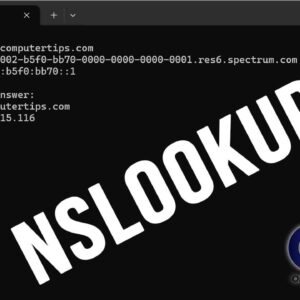
There are many command line networking tools that you can use to do various things from checking the connectivity of hosts on a network to finding out IP information about your computer.… Read More

Ethernet cables, or as many people call them networks cables are used for data transmission between devices on a network. They consist of a cable with 4 pairs of wires connected by… Read More
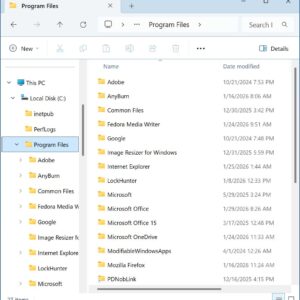
Many of us spent years on older versions of Windows such as Windows XP and 2000 and when Windows 10 and 11 came out Microsoft changed the way File Explorer looked and… Read More
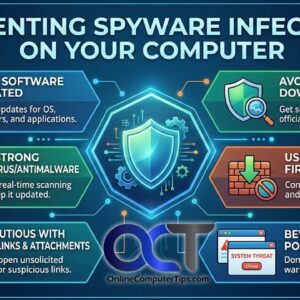
Spyware, often called Malware or Adware is becoming an ever increasingly difficult nuisance to deal with when you are trying to maintain a smooth running computer. Spyware is software that obtains your… Read More

If your Windows computer is suddenly showing a yellow warning triangle over your Wi-Fi icon, telling you there is an “IP Address Conflict,” or saying “Connected, no internet,” you are likely dealing… Read More
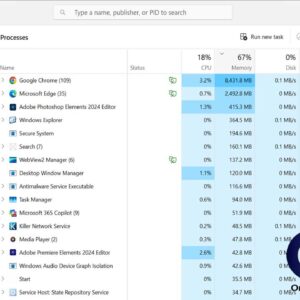
Computers are made to run tasks for you in order to let you get your work done more quickly and efficiently. But there may be times when you need to manage these… Read More
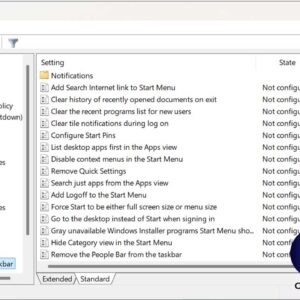
Many people know how to edit the settings on their computer to make things work the way they like them to work. You may control the abilities of other users of your… Read More
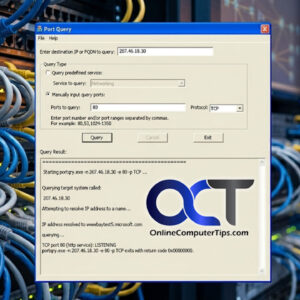
Ports are used in the computing world to tell a program or service where to go for its communications. There are different port numbers assigned to various services. These ports allow applications… Read More