

Have you ever spent hours perfecting a document only for your computer to crash or your power to flicker out? Microsoft Office offers two primary safety nets to prevent these digital disasters:… Read More
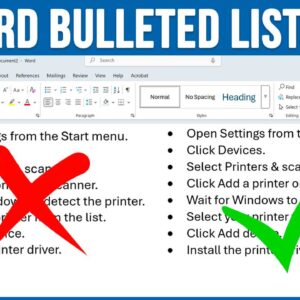
Microsoft Word is the most popular word processing program in use today. It can be used at home, at the office, online at the Office website, and even on your smartphone. Even… Read More
If you use Microsoft Word as your word processor application like many of us do, you most likely use the New Document option to create a new blank document. You may come… Read More
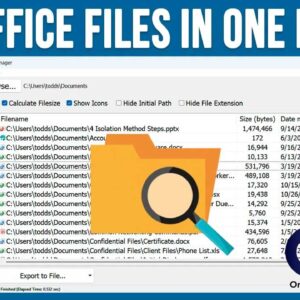
Most people who use Microsoft Windows as the operating system on their computer also use Microsoft Office for their office productivity software. And when it comes to storing documents, spreadsheets and the… Read More

Microsoft Word is the most popular word processing program in use today. It has been around since 1983, which is two years before Microsoft Windows was released and has gone through some… Read More

Microsoft Word is the most popular word processing application in use today. It’s widely used by home users and businesses alike. And even though Word was created by Microsoft for Windows, there… Read More

As you probably know, Microsoft Word is the most popular word processing program in use today. There are several ways to use Word for your documents as well. You can use the… Read More

Microsoft Word is probably the most popular word processing application in use today. It comes with the Office 365\Microsoft 365 subscription and can be run as a standalone program or even used… Read More

OST and PST are both data files used with Microsoft Outlook, but due to certain circumstances, like the crashing of your Exchange server, lead users to convert OST files to PST files.… Read More

Many of us have multiple email accounts that we use for work and personal emails. Within those email accounts, we then have our contact lists. Plus, we have contacts on our smartphone… Read More