
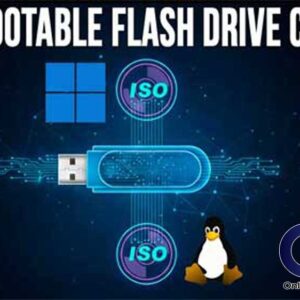
The practice of installing Microsoft Windows on your own computer is fairly common these days. Many people like to do it themselves to “freshen up” their computer or if it crashes so… Read More
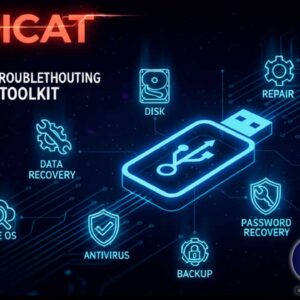
PC troubleshooting is a very common practice for many computer users, especially if you are running Microsoft Windows. For those who prefer to fix their computers themselves and not pay someone to… Read More
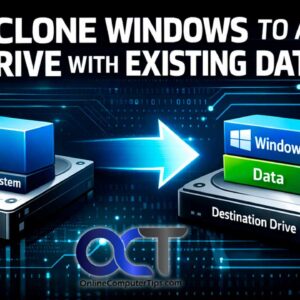
Cloning Windows to a new drive is a fairly common practice these days. With hard drives becoming faster, larger and often times cheaper, it makes sense to do this type of upgrade.… Read More

If you are any type of Windows power user, then you have most likely played with the various Windows settings and options to try and make the OS more user friendly, so… Read More
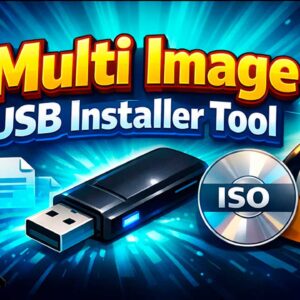
Most Windows power users know how to do things such as create a bootable USB flash drive to install operating systems such as Windows 11 or Linux. These flash drives are also… Read More
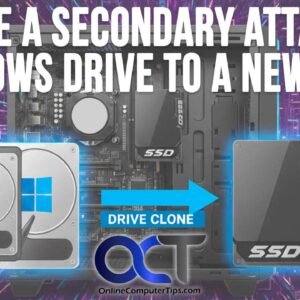
Cloning hard drives is a fairly common practice these days. It’s an effective way to copy all your data including Windows (or other OS), programs and files to a new drive without… Read More
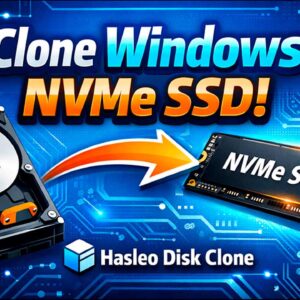
With today’s hard drives getting larger and faster, it makes sense that you might want to upgrade your old SATA spinning disk to a newer SSD NVMe hard drive. Or maybe your… Read More
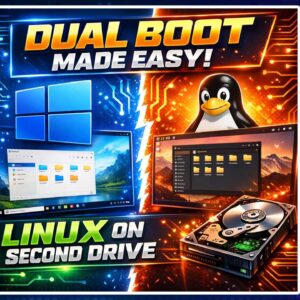
Ever since Windows 11 was released, many people have been complaining about how it’s not as customizable as Windows 10 and how Microsoft has taken away some of the functionality that made… Read More
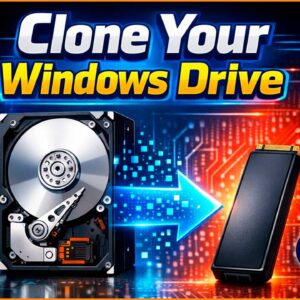
There are many reasons one might want to clone their hard drive. It’s a great way to transfer Windows, your apps and also your files to a larger or faster hard drive.… Read More

PDF (Portable Document Format) files are a file format developed by Adobe that is designed to present documents consistently across different devices, operating systems, and software applications. You have most likely opened… Read More