
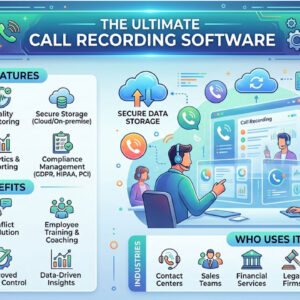
The world is constantly evolving with new technologies being introduced at the break of every dawn. As of January 2021, a study indicates that about 4.88 billion people possess a phone. That’s… Read More

When you are working with certain applications or programs in Windows and save your work, your computer will save your files to various default storage locations depending on what program you are… Read More
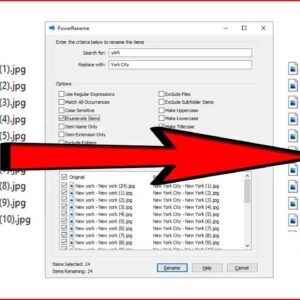
When it comes to Windows file management, there are usually several ways to get the same task done. For example, copying a file from one folder to another or searching for a… Read More

The business world has changed drastically in the last few decades. Nowadays, technology is everywhere. From the traditional workplace to the remote office, everyone uses technology for everyday business tasks. But the… Read More

LMS is a tool that helps an individual to manage the process of creating, hosting, tracking, and documentation. It allows trainers to host different types of content such as lessons, worksheets, and… Read More

Sending and receiving email is a fairly straightforward process and for the most part all of your incoming email will be sent directly to your inbox unless your email provider or your… Read More

We all store files of various types on our computers such as pictures, documents, music files and so on. Plus the software and apps we have installed on our computers have their… Read More
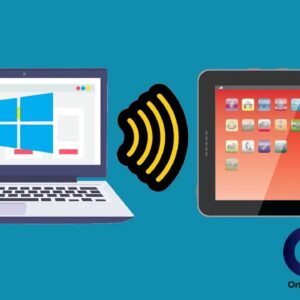
Since everyone feels they need to be online 24 hours a day, it makes sense that the more ways you have to access the internet, the better. We all have our smartphones… Read More

The tabbed browsing feature in web browsers has been around for many years and is one of the best inventions in the history of web browsers themselves. Tabbed browsing allows you to… Read More

There are many reasons why you should be conscious about your online safety and privacy. Most users likely know that there are hackers, phishers, and other cybercriminals who prey on innocent victims… Read More