

If you use any type of email service, then you are most likely used to receiving more emails than you want or need. And deleting old or junk emails can be time… Read More

Gmail is one of the most popular email services in use around the world. Most people access their account via the Gmail website even though you can configure email clients such as… Read More
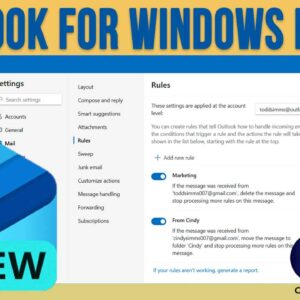
The Microsoft Outlook for Windows app is the replacement for the Windows Mail app that has been part of Windows for many years. Microsoft decided to make the built in mail app… Read More

Internet security is a hot topic and even more so recently thanks to the increased levels of cyber attacks. Most people have a least one email account and many of us have… Read More

Google Drive is one of the most popular cloud storage platforms used by home and even business users. If you have a Google or Gmail account, then you automatically have a Google… Read More

One of the most popular things that people do on their computer is surf the internet and many people spend multiple hours each day doing so. Staring at a computer screen for… Read More

By now you are most likely running Windows 11 on your computer, and you may or not be a fan of the new design and features, or lack of features and customization… Read More
The taskbar has been a part of Windows since Windows 95 and it’s used to show which apps or programs you have open so you can then toggle between them as you… Read More

Computers have been around for as long as most of us can remember and we all use them for different purposes such as browsing the internet, sending emails, editing photos, working on… Read More

There was a time when a USPS PO box in a secondary location was the ideal solution for secure and convenient mail collection. However, the services provided feel pretty sub-standard compared to… Read More