
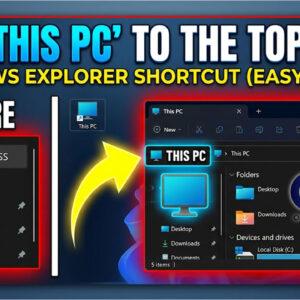
File Explorer is the default file management tool that you use when working in Microsoft Windows. Plus, File Explorer has not really changed too much throughout the years. For most people, File… Read More
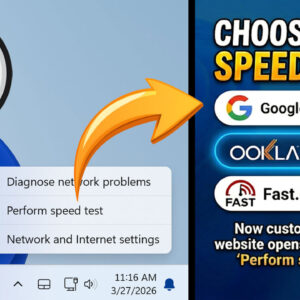
Internet speeds seem to be getting faster and faster as network technology improves over time. Long gone are the days of dial up internet and speeds are now being measured in gigabits… Read More
Backing up your computer is one of the most important tasks you can perform on your computer. If your computer ever crashes or you delete some important data, you will need these… Read More

Customizing Windows is one of the first things people do when they get a new computer or reinstall Windows. And one of the more common things to do is to set a… Read More
Ever since Windows 11 was released, many people have been complaining about how it’s not as customizable as Windows 10 and how Microsoft has taken away some of the functionality that made… Read More
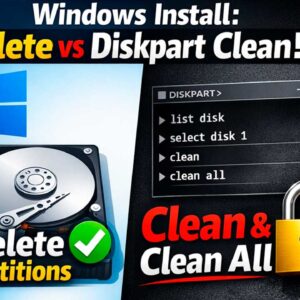
There are many reasons you might need to install or reinstall Microsoft Windows on your computer. You may be upgrading from Windows 10 to Windows 11 and want to do a clean… Read More

When it comes to email accounts, you have a lot of options such as Gmail, Yahoo, Proton, Outlook, iCloud and so on. And when it comes to email desktop clients, you have… Read More
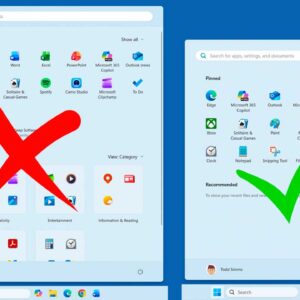
If you have been using Windows 11 for any amount of time, you have most likely noticed the regular updates and changes to the way Windows looks and operates. You may also… Read More
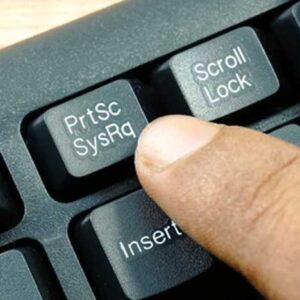
If you use the Print Screen key on your keyboard frequently then you would think everyone would know how to use it since it’s so easy. Knowing how to use the Print… Read More
Just like you can do with your TV, you can turn off your computer when you are not using it. But the main difference is that you need to properly shut down… Read More