
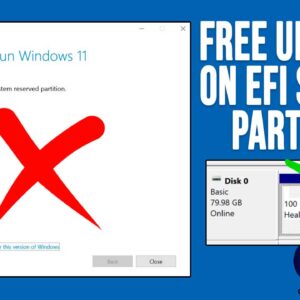
If you are a regular Microsoft Windows user, then you are most likely used to there being Windows updates on a regular basis. You may have even installed Windows yourself once or… Read More

If your Windows computer is suddenly freezing, randomly crashing with Blue Screens of Death (BSOD), or built-in apps like the Edge browser refuse to open, you likely have corrupted system files. A… Read More
If you have been using Windows as your computer’s operating system, then you know that it has the potential to be problematic and also stop working altogether. You have most likely come… Read More

If you need to create a dummy test file, you might have been wondering how to go about doing so. Or maybe you are wondering why you would even want to create… Read More

Last Updated: April 2026 Secure your data before its too late! Whether you use your computer for business or fun, you’ll agree that few things are more frustrating than losing data because… Read More
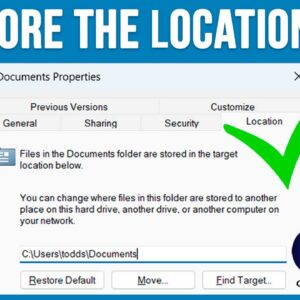
If you have been using Microsoft Windows for any amount of time, you are most likely using File Explorer to manage your files and folders. You are also probably using the default… Read More

Laptops have become essential in our daily lives, whether for work or personal use. But, like any gadget, they can run into problems that affect their performance or even stop them from… Read More

Remove those unwanted Google Chrome extensions We all know what a web browser is and most of us know there are different browsers out there to choose from such as Edge, Firefox… Read More
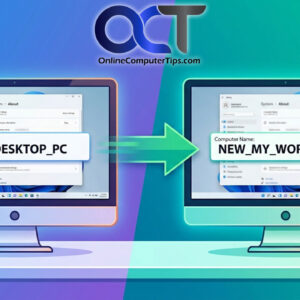
Make your computer’s name display correctly everywhere! Most Windows power users know how to change the name of their computer from the default name that Windows gives it during the installation. Normally… Read More
As you probably know, to log onto a computer running Microsoft Windows, you need a user account with a password. You can also use a PIN, fingerprint reader or other biometric device if… Read More