
Reset Your Linux User Account Password if You’re Locked Out of Your Computer or Forgot Your Password
Usernames and passwords have been a way of life for most of us for some time now. And if you forget one or the other, it can cause a lot of stress… Read More

Getting locked out of your computer can be a traumatic experience if you have work to do or have no other way to access your files. When it comes to logging into… Read More

Computer hardware issues are not too common unfortunately but when they do happen, they can be devastating or at least frustrating and expensive! Whether you bought your computer from a store or… Read More

Every small business eventually reaches a breaking point where the unofficial “computer guy” in the office can no longer handle the sheer volume of technical issues. Whether you are scaling up your… Read More
If you ask anyone what their biggest fear is when using a computer running Microsoft Windows, it would probably be the dreaded Blue Screen of Death (BSOD). A Blue Screen of Death… Read More

Unless you are the type that builds your own computers you may have no idea what type of hardware you have inside of yours. Then again you might not really care! For… Read More
PC troubleshooting techniques for everyone To many of us, our computers are like our best friends. We do so many things with them and have become very reliant on them. So, when… Read More

Windows uses a “Page File” (also known as Virtual Memory) as a temporary overflow area on your hard drive when your physical RAM is full. Without a functioning paging file, your computer… Read More
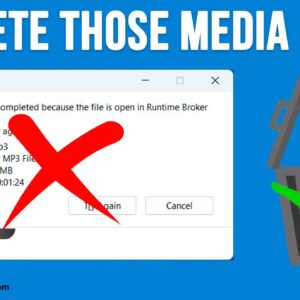
There are many types of media files you can play on your computer such as MP3 music files or MP4 or AVI video files. And most Windows users tend to use the… Read More
As you probably know, working with computers is not always a flawless experience. They can freeze up, crash, not startup and give you blue screen of death messages (BSOD). Even though Windows… Read More