
The Windows desktop is where most people keep their most commonly accessed files, folders and program shortcuts. In fact, some people use it so much that they sometimes fill it up completely!… Read More

When you are working with files such as documents, spreadsheets, photos, videos and so on, they are loaded into your computer’s memory (RAM) as you work on them. Then when you close… Read More

The dynamic and complex Master Database File (MDF) acts as a core component of Microsoft SQL Server. This primary database file stores database schema including triggers, stored procedures, queries, and sensitive data… Read More

When it comes to troubleshooting computer problems, sometimes it can be very difficult because you won’t always get a specific error message that tells you the problem or gives you an error… Read More
Boot With Your Windows Installation Media to Repair Windows Problems Windows can be hard enough to troubleshoot when things go wrong most likely because there are so many things that can possibly… Read More
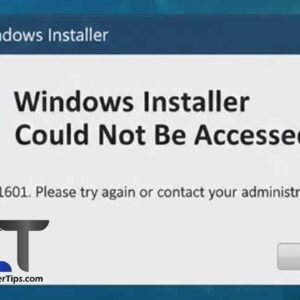
Encountering the error “Windows Installer could not be accessed” is a common roadblock when trying to install or uninstall software (.msi files) in Windows. This error usually triggers when the Windows Installer… Read More

If you are like most people, you use your computer on a daily basis for things such as work, shopping, social media and so on. And when you start your computer, you… Read More
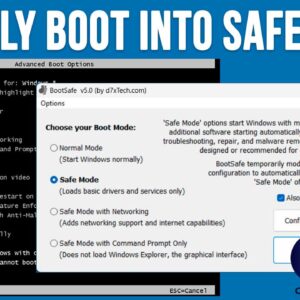
When it comes to using your computer, most of the time things run smoothly and you can get your work done without any major issues. But when the time comes when our… Read More
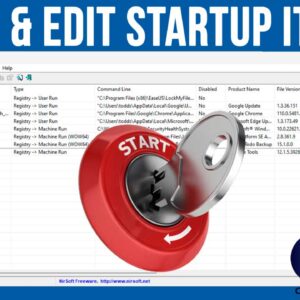
When your computer boots up, it will start a variety of processes, services and programs that need to run in order for your computer to function properly. This is true for all… Read More

As we all know, nothing is perfect and there will be a time when your computer crashes on you and if you are unfortunate enough, it might not start back up again.… Read More