

Clear Out Those Unwanted Cookies in Chrome Understanding How Web Browser Cookies Work Website cookies are used with your web browser to store data on your computer related to that website. They… Read More

DNS servers form a crucial part of the web. They act as the link between the internet protocol addresses and the Domain Name System. DNS servers receive traffic from various sources. Because… Read More

For the longest time it has been the norm to install operating systems and other software from CDs and DVDs. Now everything is online and eventually the CD and DVD drive will… Read More

Get to Know Your Active Directory Groups Microsoft Active Directory is a directory service that is used on Windows domains and comes included with the Windows Server operating system and has been… Read More

The Mozilla Firefox web browser is a popular alternative to the built in Microsoft Edge web browser that comes with Windows. It has some unique features that other browsers don’t offer. Firefox… Read More

Will the New Microsoft ReFS Replace NTFS? Anyone who uses a computer knows what a file is… hopefully! Files can be anything from Word documents to pictures to program executables to Windows… Read More
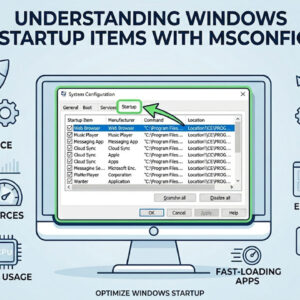
Starting with Windows 98 Microsoft added a feature called the Windows System Configuration Utility (msconfig) that allows you to control what starts with your computer every time you boot up. It comes… Read More

If you are experiencing problems when running Microsoft DirectX applications, the DirectX Diagnostic Tool can help you find the source of the trouble. It isolates incorrect versions of DirectX components, lack of… Read More
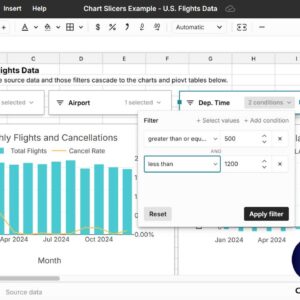
As you probably know, Microsoft Excel can do much more than most people ever use it for but that doesn’t mean you shouldn’t try and learn something new because it might come… Read More
Get free Microsoft Office compatable software with SoftMaker FreeOffice In a world where Microsoft Office is king of the productivity suite software sometimes it’s nice to break away from the monopoly and… Read More