
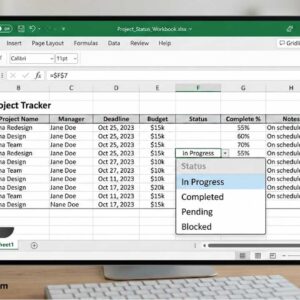
Create a drop down selection in Excel to customize cell data Microsoft Excel is more than just a program to create lists and tables. It’s way more powerful than that but for… Read More

Sending and receiving email is a fairly straightforward process and for the most part all of your incoming email will be sent directly to your inbox unless your email provider or your… Read More
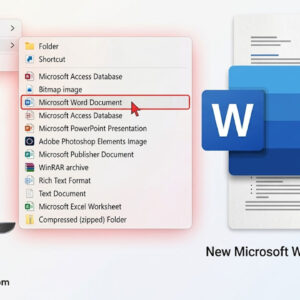
Get your right click > New choice for Word back where it belongs! If you are a power Windows user, you most likely know how you can right click on your desktop… Read More
Microsoft uses default open and save options for its Office programs just like they use default fonts and styles for their Office documents. For most people this is ok and they will… Read More
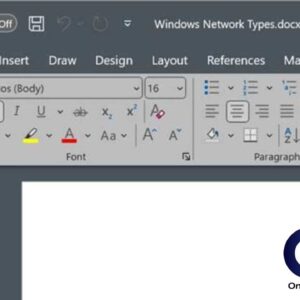
Everyone likes to customize their computer with things such as changing their desktop background or adding a theme to Windows itself. But how about customizing the look of your programs? That may… Read More
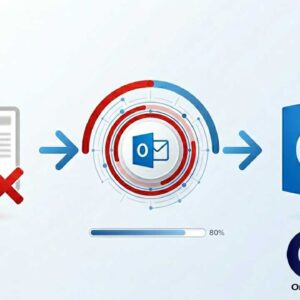
Get your valuable lost Outlook emails back! So it happened, all your emails in MS Outlook stopped opening without any chance to understand what is going on. Maybe it is some virus… Read More
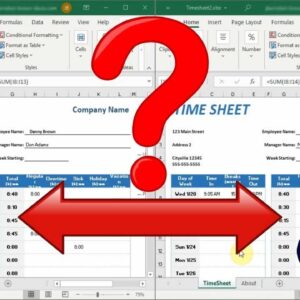
Compare the differences between 2 spreadsheets If you work with a lot of Microsoft Excel spreadsheets, you might run into a situation where you have two versions of the same file. This… Read More
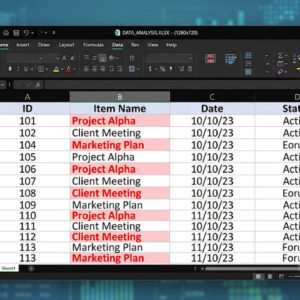
Managing large spreadsheets is difficult enough without worrying about hidden duplicates skewing your totals and analysis. Manually reviewing thousands of rows is inefficient and highly prone to human error. Fortunately, Excel provides… Read More

Many software vendors including Microsoft have shortcut keys that allow you quick access to certain tasks from just a few keystrokes rather than having to take your hand off the keyboard and… Read More
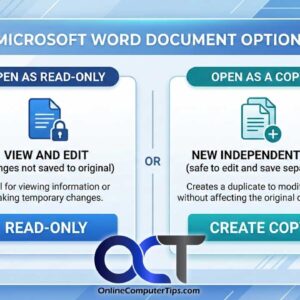
As you may know, in Windows you can copy files from one location to another, giving you multiple copies of the same file. There can be many reasons to do this such… Read More