

Whether you check your email using a web based service such as Gmail or if you use a desktop email client such as Microsoft Outlook, eM Client or Mailbird, one thing will… Read More

Due to changes in time, people in this era are properly using the internet and taking full advantage of online platforms. Similarly, nowadays it is common for every user to set their… Read More
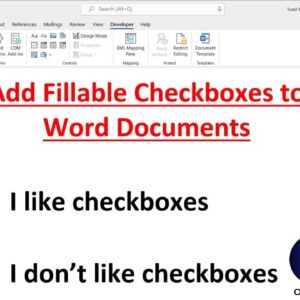
Microsoft Word is the most popular word processing program in use today. It has been around since 1983 and Microsoft keeps adding more and more advanced features with every release. For most… Read More

Improve your Word efficiency with keyboard shortcuts If you have been computer user for any length of time then you have most likely used keyboard shortcuts to make your life easier since… Read More

Microsoft Word is a graphical word processing program. It allows users to save and type documents. It has many other useful features for teachers, students, and professionals. Any material can be written,… Read More

As you most likely know, Zoom is one of the most popular online meeting platforms in use today with millions of people using it to hold work meetings as well as things… Read More

Disable those faulty Outlook add-ins that cause slow startup and crashes Microsoft Outlook has been the premiere email program for many years now and with every edition comes more improvements and added… Read More

Protect your Microsoft Excel cells from being changed by locking them Microsoft Excel allows you to protect your worksheet from things like being viewed or changed so you can make sure only… Read More

Create a drop down selection in Excel to customize cell data Microsoft Excel is more than just a program to create lists and tables. It’s way more powerful than that but for… Read More

Sending and receiving email is a fairly straightforward process and for the most part all of your incoming email will be sent directly to your inbox unless your email provider or your… Read More