

Microsoft Excel is the most popular spreadsheet program in use today and is part of the Microsoft Office suite of programs that can be used on your desktop computer as well as… Read More
If you are the nostalgic type, then you most likely remember the days of running Windows XP on your home computer. Most people loved the performance and reliability that Windows XP had… Read More

Microsoft Windows is the most popular operating system in use today. And when it comes to email clients, many would say that Microsoft Outlook is the most popular email client in use… Read More

With everyone having smartphones on them 24×7, we tend to take more pictures than we need to and for the most part, many of these photos stay on our phones and nobody… Read More
Microsoft Windows is the most popular operating system in use around the world, especially for home users. Most new computer come preinstalled with Windows and of course you can install Windows yourself… Read More

If you use any type of email service, then you are most likely used to receiving more emails than you want or need. And deleting old or junk emails can be time… Read More
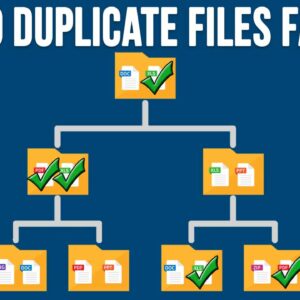
With today’s extra-large hard drives, many people tend not to be too worried about running out of disk space on their computer. But this can lead to having duplicate files and folders… Read More

If you are the type who likes to build your own computer or install your own operating system, then you have most likely created a bootable disk at some point. Back when… Read More

Gmail is one of the most popular email services in use around the world. Most people access their account via the Gmail website even though you can configure email clients such as… Read More
If you are responsible for maintaining shared computers or computers on your work network, you may have the need to block a program from being opened or accessing the internet for security… Read More