
File Explorer is the tool used in Microsoft Windows to access your files and folders and being able to effectively manage your files and folders is essential to be a proficient Windows… Read More
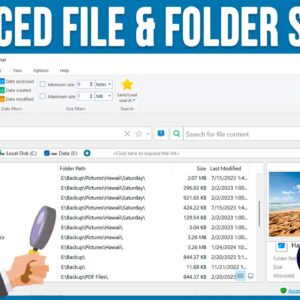
As you probably know, searching for files and folders on your computer can be a tedious task, especially if you are using the Windows File Explorer tool to do so. File Explorer… Read More
Two of the most common document formats in use these days are Microsoft Word documents and Adobe PDF (Portable Document Format) files with Google Docs files near the top as well. In… Read More
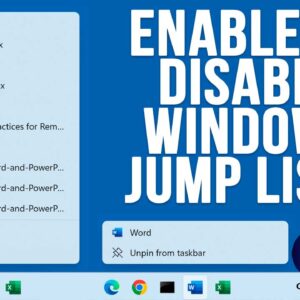
If you have ever right clicked on a program icon or shortcut in the Windows taskbar, you might have noticed that you will see a listing of your recently opened files or… Read More
The Windows desktop is where most people keep their most commonly accessed files, folders and program shortcuts. In fact, some people use it so much that they sometimes fill it up completely!… Read More

These days, most people use wireless (Wi-Fi) for their internet connections on their computers at home and maybe even at the office. Now that most computers have built in wireless capabilities, its… Read More
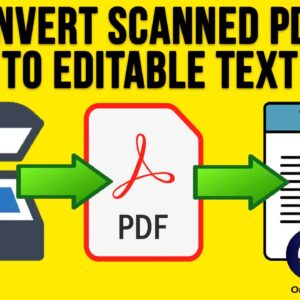
For those who still use desktop scanners to scan their documents to a digital format, you might run into the problem where you cannot edit or copy the text from your scanned… Read More
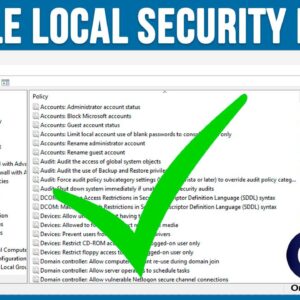
The Windows Local Security Policy Editor is a management tool that allows users to configure and control security settings on a local computer. It is similar to the Group Policy Editor tool… Read More
Depending on who you ask, Windows 11 is a vast improvement over Windows 10, but there are still many ways that Windows 11 still fails to compare to Windows 10 in terms… Read More
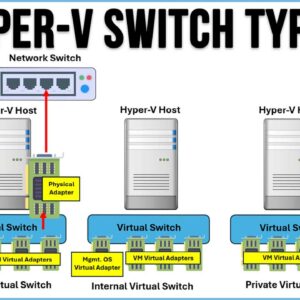
Hyper-V is Microsoft’s virtualization platform where you can create multiple virtual machines on one physical host computer. This comes in handy for management purposes as well as keeping costs down because you… Read More