
When you use your Microsoft Windows based computer, you most likely have several programs running at the same time and are constantly switching back and forth between your open windows. You may… Read More
Since Microsoft Windows uses windows to show open apps and programs, it makes sense that you can do things such as minimize, maximize and resize them as needed. Even though these features… Read More
If you use a Windows computer at home or at the office, there is a good chance that it has Microsoft Office installed with applications such as Word, Excel, Outlook and PowerPoint.… Read More

Most people have more than one web browser installed on their computer. If you are a Windows user, then you will have Microsoft Edge installed by default. There are many other browsers… Read More

If you are like most people, you use your computer on a daily basis for things such as work, shopping, social media and so on. And when you start your computer, you… Read More
When it comes to keeping your computer clean and optimized, many people neglect these tasks and wonder why they are running out of space on their hard drive and why their computer… Read More
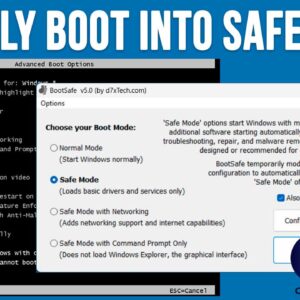
When it comes to using your computer, most of the time things run smoothly and you can get your work done without any major issues. But when the time comes when our… Read More
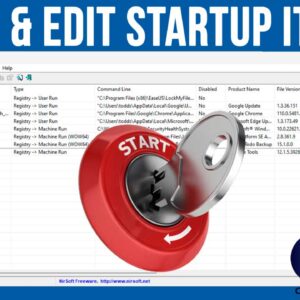
When your computer boots up, it will start a variety of processes, services and programs that need to run in order for your computer to function properly. This is true for all… Read More

Gmail is one of the most popular email services in use today. It’s used for home users and well as for business email accounts. If you have a Google account or an… Read More

As we all know, nothing is perfect and there will be a time when your computer crashes on you and if you are unfortunate enough, it might not start back up again.… Read More