
If you have ever installed Windows, Linux or another operating system on your computer, you most likely downloaded an ISO file to do so. An ISO file is a digital copy of… Read More

Have you ever needed to distribute a single document, like an updated company policy or a specific spreadsheet, into a dozen different employee folders? Doing this manually in Windows File Explorer is… Read More
As you have probably noticed, everything is wireless these days and even things like our refrigerators can be connected to the internet. If you are using Wi-Fi at home or at the… Read More
As you probably know, the Windows 11 operating system will receive updates on a regular basis. Some of these updates will be for security patches or driver updates and then others will… Read More

As you probably know, the hard drive in your computer is used to store things such as your operating system (Windows) as well as your programs (apps) and personal files such as… Read More
As you probably know, Microsoft Windows comes in different versions based on your needs. Each version has its own unique set of features as well. For example, Windows 11 Professional allows you… Read More
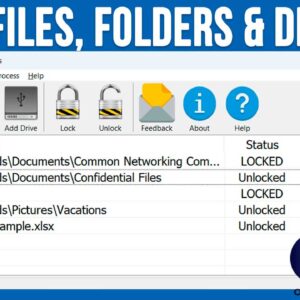
As you probably know, cybersecurity is a growing threat, and we need to do more and more to keep our data safe. Even if you are a basic home user, you may… Read More
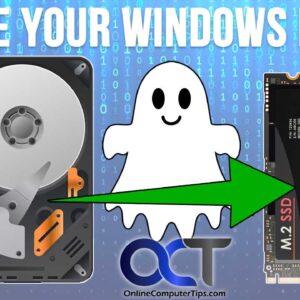
There are many reasons one might want to clone their Windows drive to another disk. It may be a case of wanting to upgrade to a larger or faster hard drive or… Read More

Not too long ago, if you wanted to edit a video, you would need to find someone with video editing software and a powerful enough computer to be able to handle the… Read More

Many of us have multiple email accounts that we use for work and personal emails. Within those email accounts, we then have our contact lists. Plus, we have contacts on our smartphone… Read More