
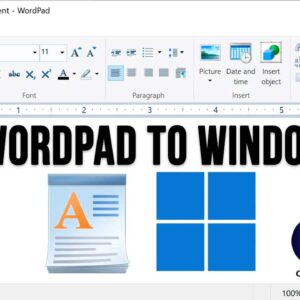
WordPad is an application that comes installed with the Windows operating system and is a very simplified version of the Microsoft Word program that you can buy and install on your PC.… Read More
Being able to remotely connect to another computer over the network or internet is very helpful when doing things such as working from home or another location or even providing assistance to… Read More

YouTube is the largest video sharing platform in use today. And if you don’t know already, it’s owned by Google, so they decide what changes are made to the platform. And if… Read More
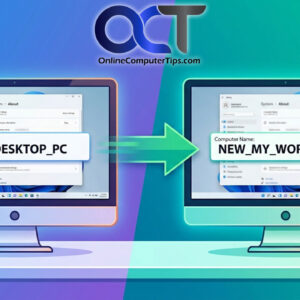
Make your computer’s name display correctly everywhere! Most Windows power users know how to change the name of their computer from the default name that Windows gives it during the installation. Normally… Read More
Many people use USB flash drives to do things such as backup data, transfer files from one computer to another and install operating systems such as Windows and Linux on their PC.… Read More
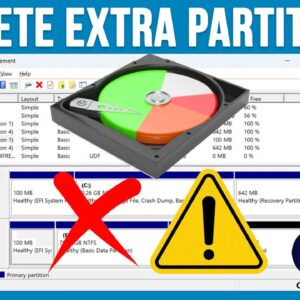
If you consider yourself a Windows or general PC power user, then you will need to know how to manage your hard drives so you can do things such as install Windows… Read More
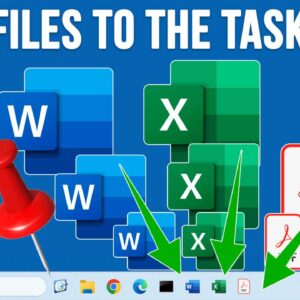
How to Pin Any File or Document to the Windows 11 Taskbar Windows 11 does not allow you to drag and drop personal files or documents directly to the taskbar by default.… Read More
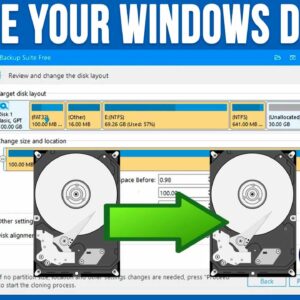
With hard drives becoming larger and larger in size while still being reasonably cheap, it makes sense that many people would want to upgrade their computer with some extra storage space. You… Read More
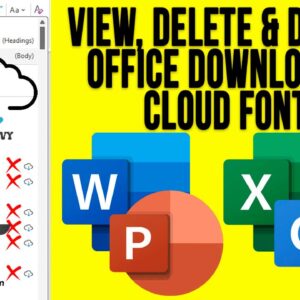
Microsoft Office, which consists of various applications such as Word, Excel, PowerPoint and Outlook comes with a variety of fonts that you can use within your documents, spreadsheets, presentations and emails. And… Read More
As you probably know, to log onto a computer running Microsoft Windows, you need a user account with a password. You can also use a PIN, fingerprint reader or other biometric device if… Read More