
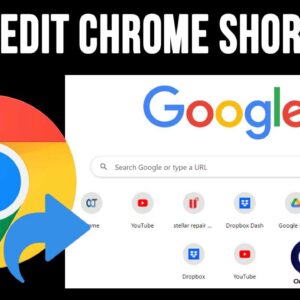
Google Chrome is one of the most popular web browsers in use today. And when it comes to Google, their search engine is the most commonly used one as well. And of… Read More
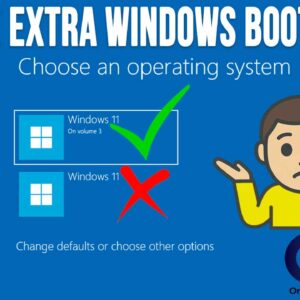
If you’ve ever booted up your computer and noticed two entries for Windows 11 and need to choose one to continue, you’re not alone. This situation can be puzzling, especially if you… Read More

When it comes to available email accounts, you have a lot of options such as Gmail,, Yahoo, Proton, Outlook, iCloud and so on. And when it comes to email desktop clients, you… Read More
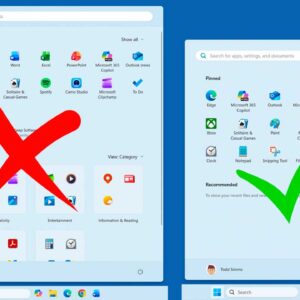
If you have been using Windows 11 for any amount of time, you have most likely noticed the regular updates and changes to the way Windows looks and operates. You may also… Read More
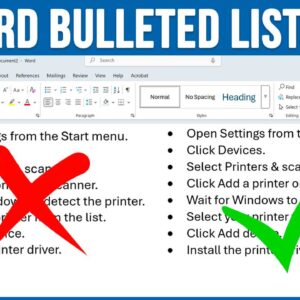
Microsoft Word is the most popular word processing program in use today. It can be used at home, at the office, online at the Office website, and even on your smartphone. Even… Read More
If you use Microsoft Word as your word processor application like many of us do, you most likely use the New Document option to create a new blank document. You may come… Read More
Just like you can do with your TV, you can turn off your computer when you are not using it. But the main difference is that you need to properly shut down… Read More
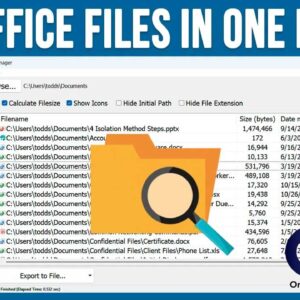
Most people who use Microsoft Windows as the operating system on their computer also use Microsoft Office for their office productivity software. And when it comes to storing documents, spreadsheets and the… Read More
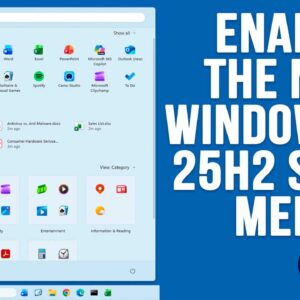
If you are a Windows 11 user, then you know how often Microsoft likes to change things around as well as add or remove features, sometimes ones we even like! For example,… Read More
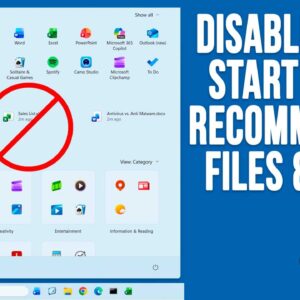
As you probably know, Microsoft is constantly updating Windows 11 with new features and for some people, this can be hard to keep track of. And for others, they might not even… Read More