
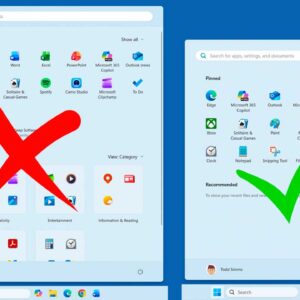
If you have been using Windows 11 for any amount of time, you have most likely noticed the regular updates and changes to the way Windows looks and operates. You may also… Read More
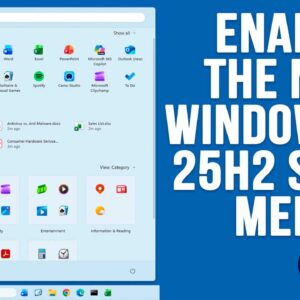
If you are a Windows 11 user, then you know how often Microsoft likes to change things around as well as add or remove features, sometimes ones we even like! For example,… Read More

If you have a situation where you have a video such as a concert or maybe even something like a speech and you want to have a copy of just the audio… Read More
LinkedIn is not just a networking site; it is a vital platform for cultivating relationships, generating leads, and establishing thought leadership in the modern business landscape. Nevertheless, constant interaction takes time. Automation… Read More
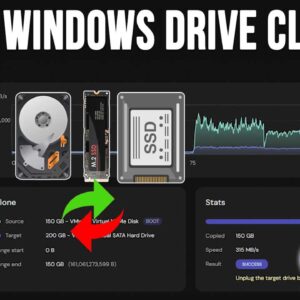
With hard drives getting faster and larger on a regular basis, it makes sense that you might want to upgrade your computer with a new hard drive such as an NVMe drive… Read More
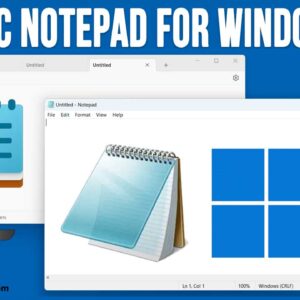
If you were previously running Windows 10 and have “upgraded” to Windows 11, you have most likely noticed many changes when it comes to how Windows looks and also how many of… Read More
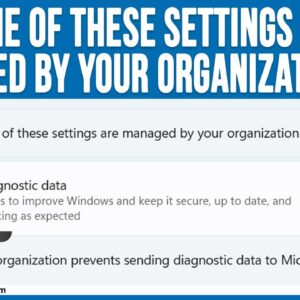
If you are a Microsoft Windows user, then you may not realize that Microsoft has enhanced the security features of Windows 11 to make things safer in a world with more and… Read More
With hard drives getting larger and faster all the time, it makes sense that you might want to upgrade your drive to gain some additional performance from your computer. Or you may… Read More
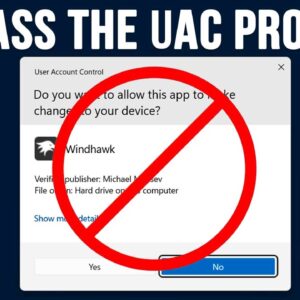
You have most likely noticed that when you try and run certain programs, you are prompted with what is known as a UAC prompt. UAC stands for User Account Control. It’s a… Read More
Backing up your computer is one of those tasks that should be done on a regular basis yet ignored by many people until it’s too late. There are many reasons to perform… Read More