
If you are a Windows power user, then you most likely pay attention to how fast your computer boots up and how long it takes to log in. And when things start… Read More
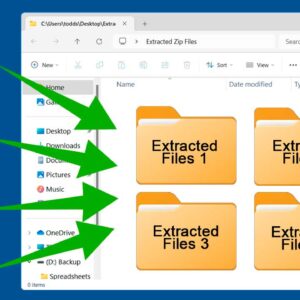
Zip files have been around almost as long as Microsoft Windows itself. They are mainly used to combine multiple files (and folders) into a single file. They are also used to compress… Read More
Google Drive is Google’s free cloud storage platform that you get when you sign up for a Google account. So, if you have a Gmail account, you have a Drive account to… Read More
With today’s computer hard drives being faster and larger than ever, you might find yourself wanting to upgrade but not wanting to reinstall Windows and all your software from scratch just to… Read More
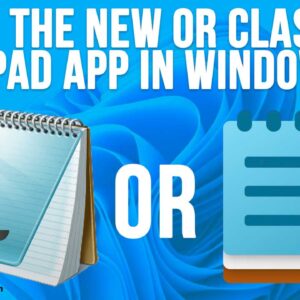
Now that most people have “upgraded” to Windows 11, there has been some ongoing backlash about some of the changes Microsoft has made and is making to their desktop operating system. Many… Read More

Keeping your important files backed up has always been one of the most critical tasks that needs to be performed with your computer on a regular basis. There are multiple ways to… Read More
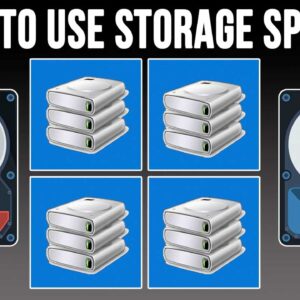
The Windows 11 Storage Spaces feature is a storage virtualization feature that allows you to group multiple physical drives into a single logical pool of storage, which can then be divided into… Read More
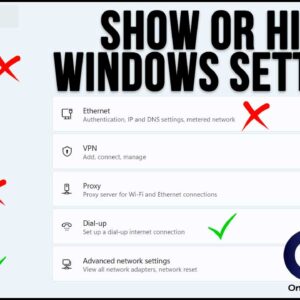
If you are a power Windows user or do any type of Windows\systems administration type job, then you have most likely spent a lot of time in the Windows settings app. There… Read More
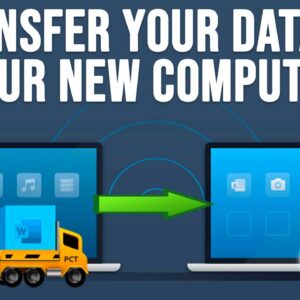
Getting a new computer is usually an exciting event (except for the cost of course), and it usually takes some time to get it set up correctly because you need to install… Read More
When creating and modifying files and folders, Windows will use date and time stamps with these files and folders so you will know when they were made and also when they were… Read More