
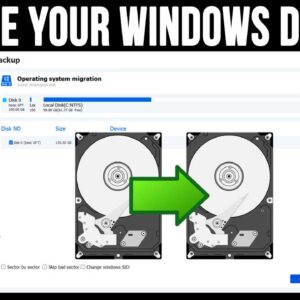
Even though today’s modern computers have very large hard drives, many people still find themselves running out of room and don’t like to delete files or remove software to get their space… Read More

Introduction Ransomware involves harmful software that blocks access to computer systems until ransom gets paid. Unfortunately, attacks keep rising globally targeting businesses and individuals through emails, malicious websites, and vulnerable network systems.… Read More

Cybersecurity is an ongoing problem that seems to get worse every year. I’m sure you have most likely received spam emails, phone calls and text messages trying to get you to divulge… Read More
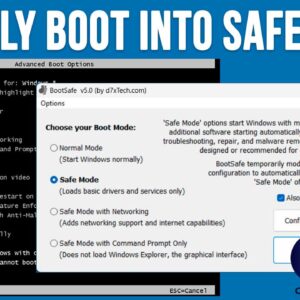
When it comes to using your computer, most of the time things run smoothly and you can get your work done without any major issues. But when the time comes when our… Read More

When your computer boots up, it will start a variety of processes, services and programs that need to run in order for your computer to function properly. This is true for all… Read More

If you are the nostalgic type, then you most likely remember the days of running Windows XP on your home computer. Most people loved the performance and reliability that Windows XP had… Read More
Microsoft Windows is the most popular operating system in use around the world, especially for home users. Most new computer come preinstalled with Windows and of course you can install Windows yourself… Read More
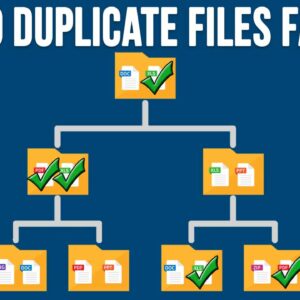
With today’s extra-large hard drives, many people tend not to be too worried about running out of disk space on their computer. But this can lead to having duplicate files and folders… Read More

Computer security and privacy are a hot topic lately thanks to all the cybercrime going on out there on the dangerous internet. These threats also apply to our personal computers and the… Read More

Here is an updated video on how to enable the Chrome side panel. https://www.youtube.com/watch?v=okgjFA8OB5o If you are a Google Chrome user, then you might get frustrated every so often when Google… Read More