Last Updated on August 22, 2026
Without making any loud announcements or hosting flashy press events, Microsoft quietly updated its support documentation regarding Windows 10 consumer updates. The company extended the consumer Extended Security Updates program for Windows 10 by another full year. What was originally slated to cut home users off from critical security patches in October 2026 will now keep those personal computers receiving monthly security fixes through October 12, 2027.
Mainstream support for Windows 10 officially came to a close back in October 2025. At the time, Microsoft introduced a temporary lifeline for everyday consumers in the form of a one-year grace period allowing personal devices to receive vital security patches. That safety net was supposed to disappear after twelve months. Instead, the soft deadline moved back, giving millions of working computers another full year on official life support.
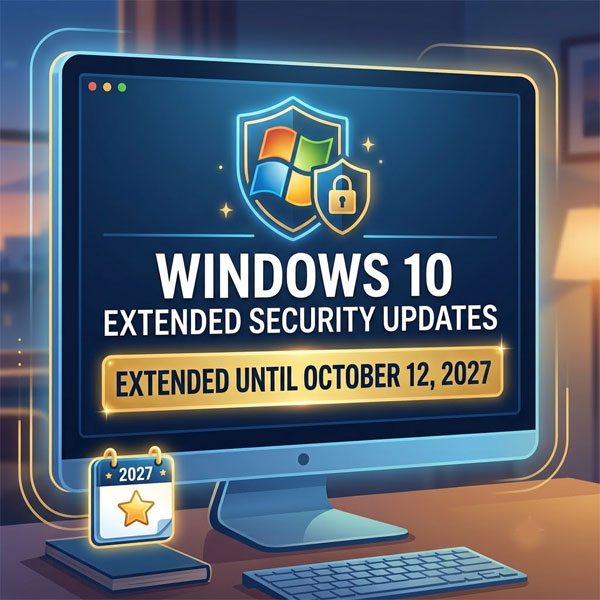
Windows10 Support Extended
Millions of functional PCs fail Windows 11 hardware checks due to mandatory TPM 2.0 requirements, specific CPU generation limits, and Secure Boot controls. Purchasing a new computer during high component costs is not feasible for many households. The extended timeline allows PC owners to maintain active system protection without rushing out to buy new hardware.
How to Enroll in Windows 10 Extended Security Updates
1. Verify Your System Running Windows 10 Version 22H2
Open your System Settings and check your installed Windows version before attempting enrollment. Your machine must run Windows 10 version 22H2 with all recent cumulative quality updates installed. Running older version builds prevents the Extended Security Update option from displaying inside your update menu.
2. Enroll for Free Using Windows Backup and Settings Sync
Sign into your personal Microsoft administrator account on your desktop. Open the Windows Update control panel and click the enrollment link to register your device. Syncing your PC settings using Windows Backup allows you to unlock Extended Security Updates at zero additional charge.
3. Redeem Microsoft Rewards Points for Activation
Navigate to the Microsoft Rewards dashboard if you prefer to avoid cloud settings synchronization. Select the option to redeem 1,000 Microsoft Rewards points toward your system activation license. Applying these points generates an active subscription key that links directly to your Microsoft account.
4. Pay the One-Time Consumer Enrollment Fee
Select the direct payment option if you do not sync settings or hold reward points. A single $30 payment covers up to ten personal computers tied to the same Microsoft account. Users located in European Union markets receive free registration automatically upon signing in to comply with regional regulations.
5. Confirm Active Monthly Security Patch Delivery
Verify your registration status inside the Windows Update panel after completing enrollment. Enrolled machines automatically receive monthly Patch Tuesday security updates through October 12, 2027. Note that these patches address system vulnerabilities only and will not deliver new operating system features or general technical support.
Check out this video showing how to enroll your Windows 10 computer in the Extended Security Updates program and enable the option if its missing from your Windows settings.
For additional training resources, check out our online IT training courses.
Check out our extensive IT book series.