

If you are a Microsoft Windows user, one of the first things you most likely do when you set up your new computer is change the desktop wallpaper. When it comes to… Read More
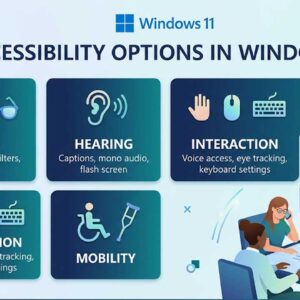
Accessibility options in Windows are designed to make computing easier and more inclusive for everyone, especially users with vision, hearing, or mobility challenges. These features have been part of Windows for years,… Read More
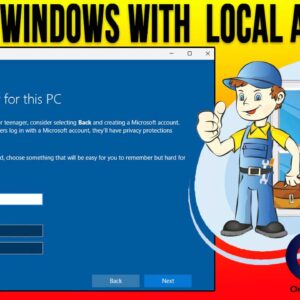
Installing Microsoft Windows is something that every tech enthusiast should know how to do. If you have ever taken on the task of building your own computer, then obviously you will need… Read More
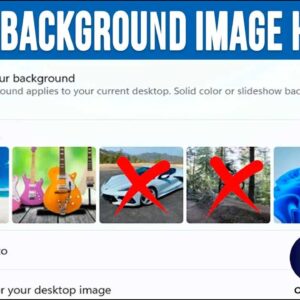
When it comes to using your personal computer, many people like to customize theirs to give it a personal touch. If you are a Windows user, there are many things you can… Read More
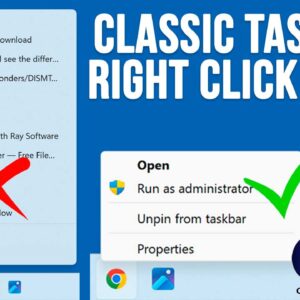
The Windows 11 operating system has been out for several years now yet there are still many people who miss the functionality that we had with Windows 10. This is especially true… Read More
When it comes to installing an operating system on your computer such as Windows 11, you usually need to either buy a copy of Windows on a flash drive, create your own… Read More
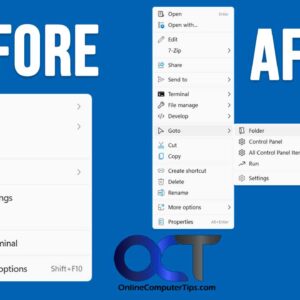
If you have come from Windows 10 to Windows 11, you have probably noticed all the changes that have been made and how some of them actually make you less productive and… Read More

If you are still running Windows 10 and have not made the switch or “upgrade” to Windows 11, then you might be missing out on some new Windows features. Then again Windows… Read More
**Update** – If you want to stay on Windows 10 past the October 2025 end of support date, Microsoft is now offering you three ways to extend your Windows 10 support until… Read More
System Restore points are used in Microsoft Windows to restore your computer to a previous state without affecting personal files. They act as snapshots of system settings, installed programs, registry configurations, and… Read More