
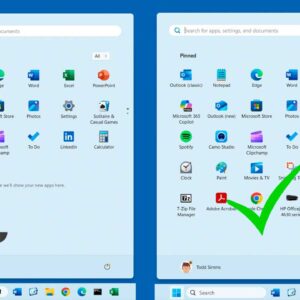
If you are running Windows 11 on your computer and were previously running Windows 10, you have most likely noticed the lack of customization options for things such as the start menu… Read More
**Update – If you want to stay on Windows 10 past the October 2025 end of support date, Microsoft is now offering you three ways to extend your Windows 10 support until… Read More
When it comes to opening files on your computer, Windows does this automatically based on the type of file you are trying to open. If Windows didn’t do this, you would have… Read More

Computer security is an ever growing priority these days with all the cybersecurity threats out there. Whether it is a virus attack, phishing attempts, email scams or even someone stealing your computer,… Read More
If you are a Microsoft Windows user, then you most likely use File Explorer to manage your files and folders. And you are probably familiar with the concept of drive letters used… Read More
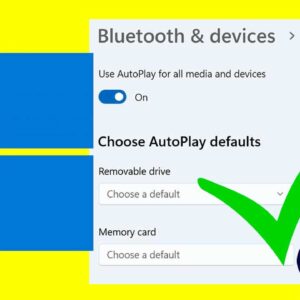
When you connect a USB flash drive, external hard drive, or camera memory card, Windows uses a feature called AutoPlay to determine how to handle the new device. By default, it will… Read More
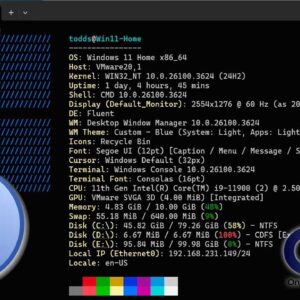
If you consider yourself a Windows power user, then you know there is much more to how Windows works besides a taskbar and start menu. There are many other components such as… Read More
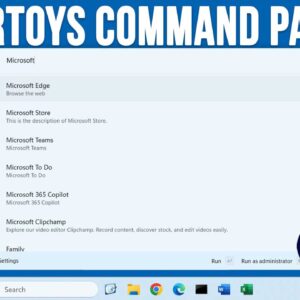
As Windows progresses and new versions and updates are released, Microsoft continues to add new features to its operating system. Even though many people are not happy how Windows 11 lacks some… Read More

If you are a Microsoft Windows user, one of the first things you most likely do when you set up your new computer is change the desktop wallpaper. When it comes to… Read More
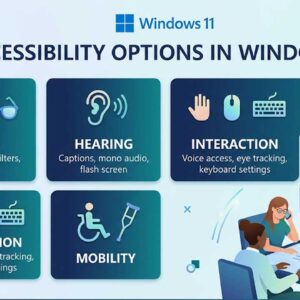
Accessibility options in Windows are specifically designed to make computing easier and more inclusive for everyone. These critical tools help users with vision, hearing, or severe mobility challenges navigate their digital workspace.… Read More