
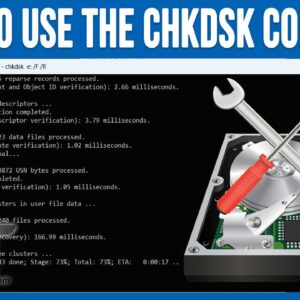
As you probably know, working with computers is not always a flawless experience. They can freeze up, crash, not startup and give you blue screen of death messages (BSOD). Even though Windows… Read More
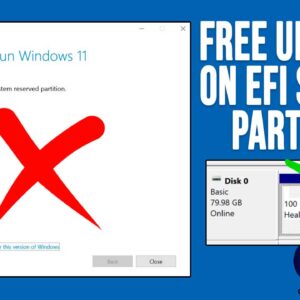
If you are a regular Microsoft Windows user, then you are most likely used to there being Windows updates on a regular basis. You may have even installed Windows yourself once or… Read More

The Windows System File Checker (SFC) has been around for many versions of Windows and hasn’t really changed since it was first introduced. The main reason for using this utility is when… Read More
If you have been using Windows as your computer’s operating system, then you know that it has the potential to be problematic and also stop working altogether. You have most likely come… Read More

If you need to create a dummy test file, you might have been wondering how to go about doing so. Or maybe you are wondering why you would even want to create… Read More
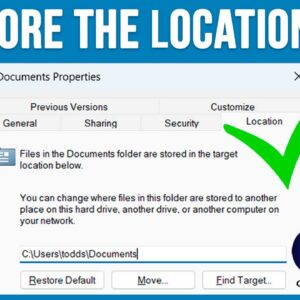
If you have been using Microsoft Windows for any amount of time, you are most likely using File Explorer to manage your files and folders. You are also probably using the default… Read More

Laptops have become essential in our daily lives, whether for work or personal use. But, like any gadget, they can run into problems that affect their performance or even stop them from… Read More
As you probably know, to log onto a computer running Microsoft Windows, you need a user account with a password. You can also use a PIN, fingerprint reader or other device if… Read More

When you are working with files such as documents, spreadsheets, photos, videos and so on, they are loaded into your computer’s memory (RAM) as you work on them. Then when you close… Read More

The dynamic and complex Master Database File (MDF) acts as a core component of Microsoft SQL Server. This primary database file stores database schema including triggers, stored procedures, queries, and sensitive data… Read More