
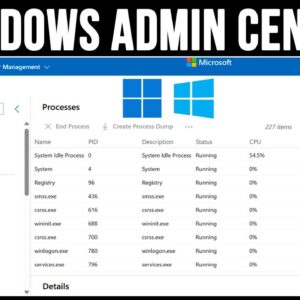
Whether you are an IT administrator or just a Windows power user at home, it’s always a good idea to know how you manage your computer so it’s always running at its… Read More
Most home and business computers run Microsoft Windows for their operating systems but there are still many people out there who prefer to use Linux over Windows. You will also find people… Read More
You may have noticed that everything we do these days is online and that we need to have an email account associated with every device we own and sign into. Of course… Read More
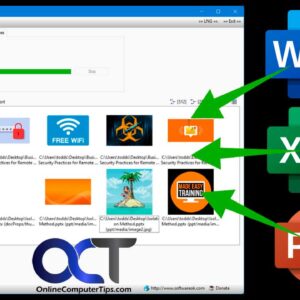
If you are a Microsoft Office user, then you most likely know that you can insert pictures or other objects into various Office programs such as Word, Excel and PowerPoint. And many… Read More
If you have switched from Windows 10 to Windows 11, you most likely have noticed the differences in how the operating system works and especially how it looks and how you cannot… Read More
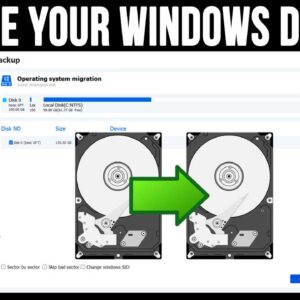
Even though today’s modern computers have very large hard drives, many people still find themselves running out of room and don’t like to delete files or remove software to get their space… Read More
When you use your Microsoft Windows based computer, you most likely have several programs running at the same time and are constantly switching back and forth between your open windows. You may… Read More
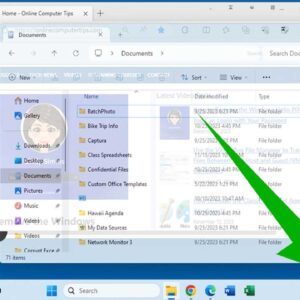
Since Microsoft Windows uses windows to show open apps and programs, it makes sense that you can do things such as minimize, maximize and resize them as needed. Even though these features… Read More
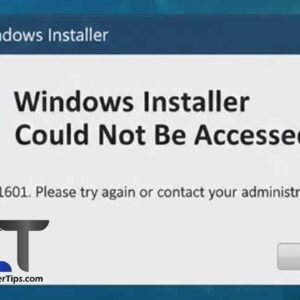
Encountering the error “Windows Installer could not be accessed” is a common roadblock when trying to install or uninstall software (.msi files) in Windows. This error usually triggers when the Windows Installer… Read More
Introduction Ransomware involves harmful software that blocks access to computer systems until ransom gets paid. Unfortunately, attacks keep rising globally targeting businesses and individuals through emails, malicious websites, and vulnerable network systems.… Read More