
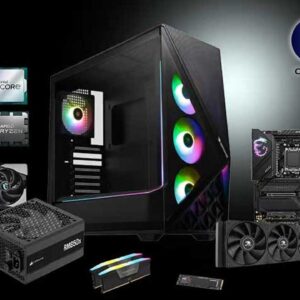
When it comes to getting a new computer you basically have two options. Buy what you see in the store and hope you are getting quality components or build your own and… Read More

If you have used Windows 10 or Windows 11 recently, you already know how frustrating the settings menus can be. Microsoft has spent the last few years slowly moving features out of… Read More
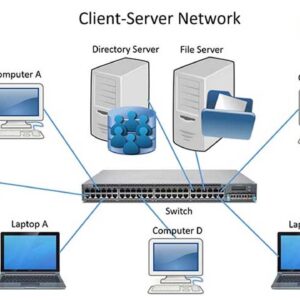
There are thousands of words, phrases and terms used in the networking world. Since most of us are not future Cisco employees we decided to list some of the more common terminology… Read More
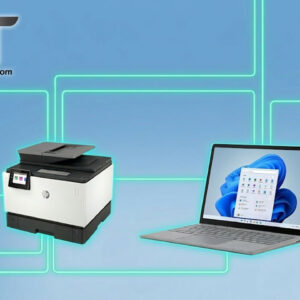
Now that many people have multiple computers in their home they are starting to look more into sharing resources like printers rather than buying one for each computer. If your computers at… Read More
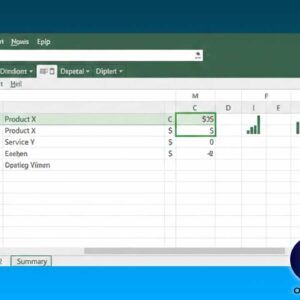
Excel is a spreadsheet application from Microsoft and is the most popular of its type in use today. A spreadsheet is used for capturing, displaying, and manipulating data arranged in rows and… Read More
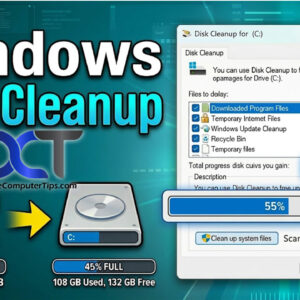
Over time your computer will accumulate “junk” such as temporary internet files, temporary Windows files, temp files from installing and uninstalling software, downloaded program files and so on. After awhile these will… Read More

Not all hardware will run all operating systems, especially Windows. Hardware components such as processors and RAM are getting faster all the time and that’s a good thing because operating system requirements… Read More

The Fonts section will display all of your installed fonts. Here you can get an idea of what each font looks like as well as add or remove additional fonts. Double clicking… Read More

Power Options is used to change how your computer uses power in regards to putting the monitor, hard drive or entire computer to sleep or going into hibernation mode. There are a… Read More

All operating systems have configurable settings that allow you to change the way things are done and how things are configured. For example you may need to add some new hardware to… Read More