
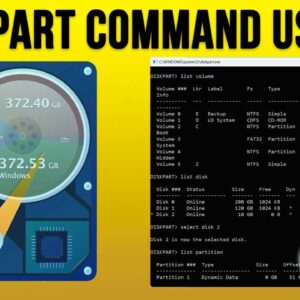
Managing the hard drive on your computer is not something that most PC users tend to get into. It’s more of a thing reserved for the techy type people or those who… Read More
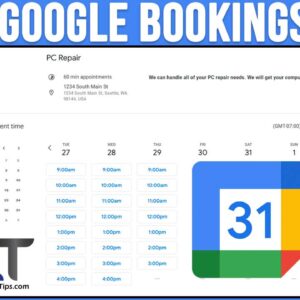
As you most likely know, Google has a multitude of free apps you can access for free as well as some that you will need to pay for. Most people have a… Read More
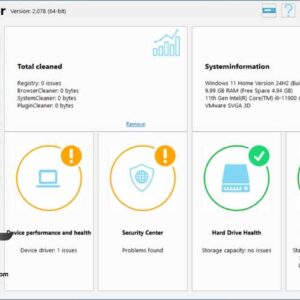
Keeping your computer clean and secure can be a tedious thing to do, but it doesn’t have to be. If you are the type that regularly performs cleanup and maintenance tasks on… Read More
Windows file management is one of the most important skills to know in order to be a proficient Windows computer user. If you do not know how to do things such find,… Read More
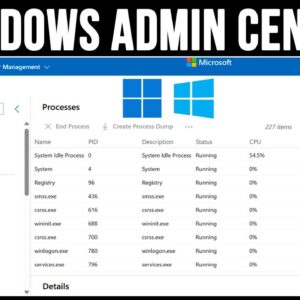
Whether you are an IT administrator or just a Windows power user at home, it’s always a good idea to know how you manage your computer so it’s always running at its… Read More
If you have ever pulled a hard drive out of a Linux machine and plugged it directly into a Windows PC, you have likely encountered a major roadblock. Windows will completely refuse… Read More
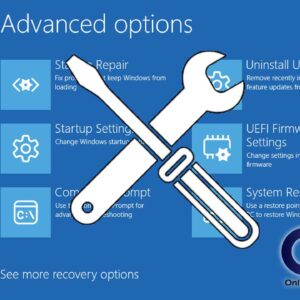
Boot With Your Windows Installation Media to Repair Windows Problems Windows can be hard enough to troubleshoot when things go wrong most likely because there are so many things that can possibly… Read More
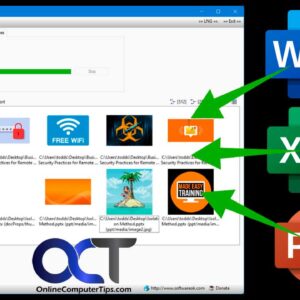
If you are a Microsoft Office user, then you most likely know that you can insert pictures or other objects into various Office programs such as Word, Excel and PowerPoint. And many… Read More
If you have switched from Windows 10 to Windows 11, you most likely have noticed the differences in how the operating system works and especially how it looks and how you cannot… Read More
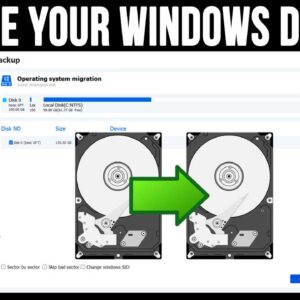
Even though today’s modern computers have very large hard drives, many people still find themselves running out of room and don’t like to delete files or remove software to get their space… Read More