

Now that everyone has a video camera on them 24×7, it makes sense that many of us would want to create our own personal movies by editing the video we take with… Read More

One of the main benefits of using a GUI (Graphical User Interface) on your computer is that you can use your mouse to click on things as well as drag and drop… Read More
When it comes to getting a new computer, you have two choices, you can buy one preconfigured, or if you want a little more control over what hardware you will be using,… Read More
As you probably know, your computer needs a hard drive installed within it to store things like your documents and photos. And of course, it’s also where the operating system such as… Read More
Using virtual machines to run multiple virtual computers on one physical computer is nothing new. But back when virtual machine technology was beginning, we could only run VM on expensive servers that… Read More
If you are the type who likes to build your own computer or upgrade components such as hard drives when needed, then you might have run into issues here and there that… Read More
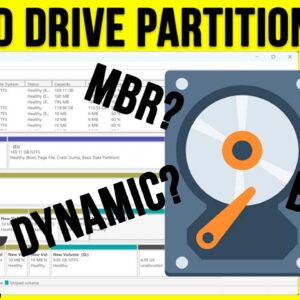
Hard drives have been around as long as computers themselves (Obviously!) and they have continued to evolve along with the other components that make up a modern computer. Whether you are buying… Read More
Microsoft Outlook is one of the most widely used email clients in the world and is used at by your average home user as well as by employees in large corporations. Outlook… Read More
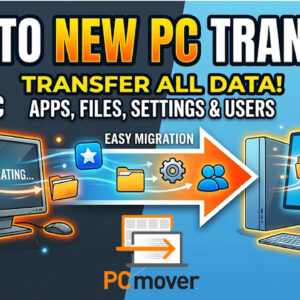
Unboxing a brand-new computer is exciting until you realize you have to manually move all your files, reinstall every application, and reconfigure your settings. Dragging folders onto an external hard drive takes… Read More
With AI technology advancing at such a rapid pace, there are more and more ways that we have to make our lives easier and more efficient by taking advantage of all the… Read More