

If you are any type of Windows power user, then you have most likely played with the various Windows settings and options to try and make the OS more user friendly, so… Read More

Ever since Windows 11 was released, many people have been complaining about how it’s not as customizable as Windows 10 and how Microsoft has taken away some of the functionality that made… Read More
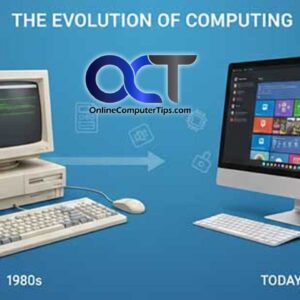
Computers have been around for a long time. Probably longer than most people thought they have been around for. Of course the first computers are nothing like the computers we are used… Read More
When it comes to playing music, most people these days use some type of streaming service such as Spotify, Apple Music, YouTube Music or Pandora to name a few. But for those… Read More
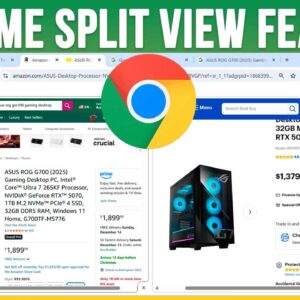
Google Chrome is one of the most popular web browsers in use today. It’s available for many operating systems including Windows, Linux and even macOS. And as you probably know, Google also… Read More

With hard drives getting faster, larger and sometimes cheaper at the same time, it makes sense that doing a hard drive upgrade is an easy way to get more performance out of… Read More
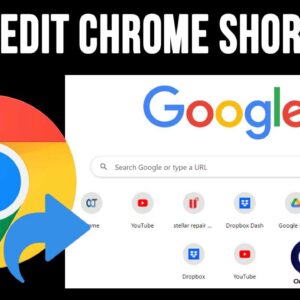
Google Chrome is one of the most popular web browsers in use today. And when it comes to Google, their search engine is the most commonly used one as well. And of… Read More
Just like you can do with your TV, you can turn off your computer when you are not using it. But the main difference is that you need to properly shut down… Read More
Securing sensitive data is becoming increasingly critical for Windows users, whether you’re a home user, an IT professional, or a small business owner. Microsoft offers two built-in options: BitLocker and Device Encryption.… Read More
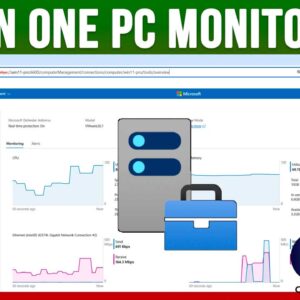
As you probably know, Microsoft Windows is the most popular operating system in use today at home and at the office. Sure, you can run macOS, Linux and even UNIX but Windows… Read More