
PDF (Portable Document Format) files are very common for many types of documents, forms, letters and so on. You can create PDF files from other types of files such as Word documents,… Read More

If you are a Microsoft Windows user, one of the first things you most likely do when you set up your new computer is change the desktop wallpaper. When it comes to… Read More

As you probably know, Google is the king of search engines and they also offer many free services and apps such as Gmail, Docs, Drive and Photos, to name a few. If… Read More
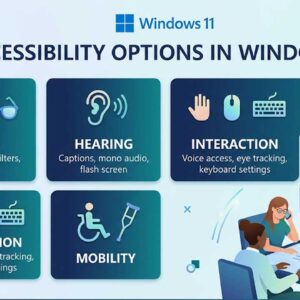
Accessibility options in Windows are designed to make computing easier and more inclusive for everyone, especially users with vision, hearing, or mobility challenges. These features have been part of Windows for years,… Read More
When it comes to using your personal computer, many people like to customize theirs to give it a personal touch. If you are a Windows user, there are many things you can… Read More
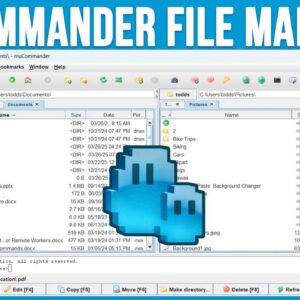
Managing files and folders is an essential skill for any computer user. Whether you are running Windows, Linux or macOS, knowing where to find your files and how to do simple tasks… Read More
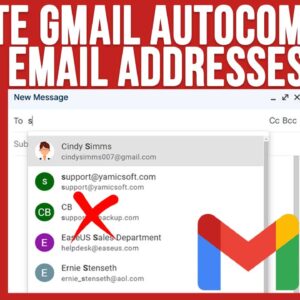
Gmail is one of the largest free email services in use today. It’s provided by Google and is one of their many free Google Apps that you can use such as Docs,… Read More
**Update** – If you want to stay on Windows 10 past the October 2025 end of support date, Microsoft is now offering you three ways to extend your Windows 10 support until… Read More
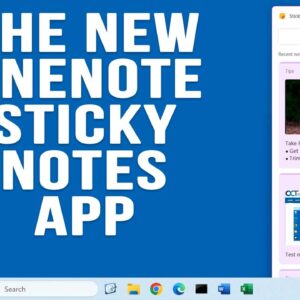
You may or may not know that Windows comes with a built in sticky notes application, so you do not have to actually put real Post It Notes on your monitor for… Read More
Voice to text is nothing new and if you have a smartphone then you probably use the voice to text feature daily when composing text messages for example. You may or may… Read More