
As you probably know, Microsoft Windows will update your computer on a regular basis with updates such as security patches, device drivers, feature updates and so on. Back in the old days,… Read More
As you probably know, the Windows 11 operating system will receive updates on a regular basis. Some of these updates will be for security patches or driver updates and then others will… Read More
As you probably know, Microsoft Windows comes in different versions based on your needs. Each version has its own unique set of features as well. For example, Windows 11 Professional allows you… Read More
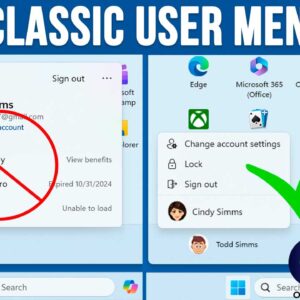
You might have noticed that Microsoft is constantly changing the way Windows 11 looks and functions. And it seems that every time there is a major update, we need to learn new… Read More
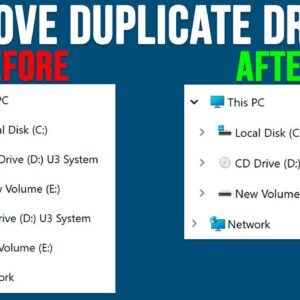
File Explorer is the tool or application used to manage files and folders in the Windows operating system. It’s broken down into several sections such as the toolbar on the top and… Read More
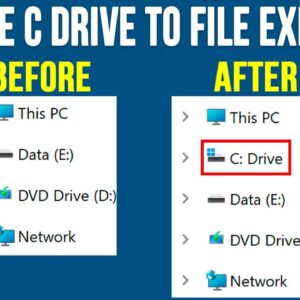
Managing your files and folders is an essential skill everyone should know how to do whether you are running Microsoft Windows or any other operating system. When it comes to doing things… Read More
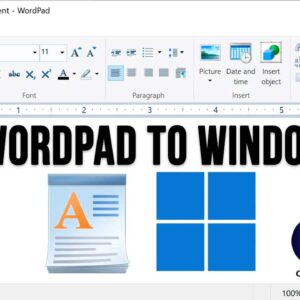
WordPad is an application that comes installed with the Windows operating system and is a very simplified version of the Microsoft Word program that you can buy and install on your PC.… Read More
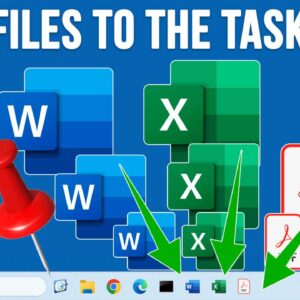
If you were using a computer that was running Windows 10 before your current Windows 11 PC, then you have most likely noticed many of the differences between Windows 10 and Windows… Read More
File Explorer is the tool used in Microsoft Windows to access your files and folders and being able to effectively manage your files and folders is essential to be a proficient Windows… Read More
If you have ever right clicked on a program icon or shortcut in the Windows taskbar, you might have noticed that you will see a listing of your recently opened files or… Read More