

If you have been a long-time Microsoft Windows user, then you have most likely ran multiple versions of their operating system on your computer. This includes classics such as Windows 7, Windows… Read More
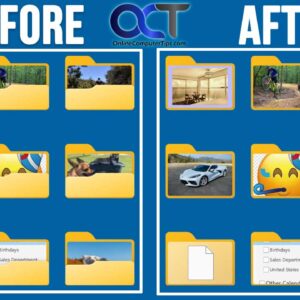
If you are a Microsoft Windows user and use File Explorer to manage your files and folders, you might have noticed that when you use the icon view that your folders will… Read More

As you probably know, Microsoft has been updating Windows 11 on a regular basis, whether we like it or not. One problem with these forced Windows updates is that sometimes they can… Read More
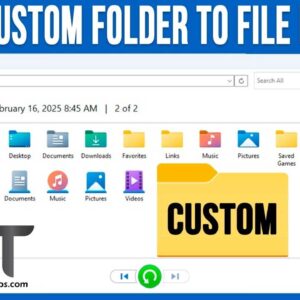
File History is the built in Windows file and folder backup tool that has been around for many years. You can use it in Windows 10 and Windows 11, and it works… Read More
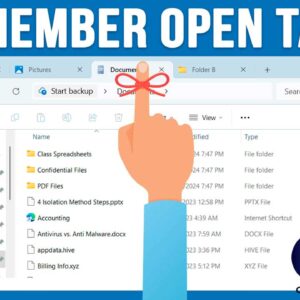
Starting with Windows 11, File Explorer now has the ability to open multiple tabs like you can with your web browser so you can toggle back and forth between different folders or… Read More

File Explorer has been the default application used in Microsoft Windows for years to view your files. Sure, there are third-party alternatives such as the OneCommander file manger app, available today. Most… Read More
Since almost everyone has a smartphone these days, it makes sense that many people would want to connect their phone to their computer to do things such as view and compose text… Read More
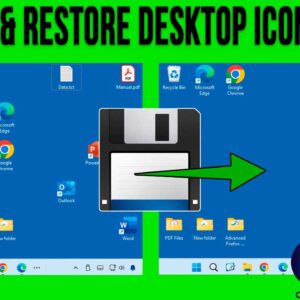
Many Microsoft Windows users tend to keep their commonly used program shortcuts, files and folders on their desktop for easy access. And if you have a lot of items on your desktop… Read More

As you probably know, Microsoft Windows will update your computer on a regular basis with updates such as security patches, device drivers, feature updates and so on. Back in the old days,… Read More
As you probably know, the Windows 11 operating system will receive updates on a regular basis. Some of these updates will be for security patches or driver updates and then others will… Read More