
Installing Microsoft Windows is something that every tech enthusiast should know how to do. If you have ever taken on the task of building your own computer, then obviously you will need to… Read More
When it comes to using your personal computer, many people like to customize theirs to give it a personal touch. If you are a Windows user, there are many things you can… Read More
The Windows 11 operating system has been out for several years now yet there are still many people who miss the functionality that we had with Windows 10. This is especially true… Read More
When it comes to installing an operating system on your computer such as Windows 11, you usually need to either buy a copy of Windows on a flash drive, create your own… Read More
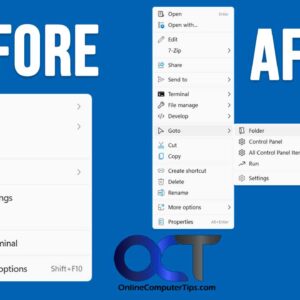
If you have come from Windows 10 to Windows 11, you have probably noticed all the changes that have been made and how some of them actually make you less productive and… Read More
If you are still running Windows 10 and have not made the switch or “upgrade” to Windows 11, then you might be missing out on some new Windows features. Then again Windows… Read More
MPORTANT 2026 UPDATE: Microsoft officially ended standard support for Windows 10 in October 2025. Unless you are enrolled in the Extended Security Updates (ESU) program, your system will no longer receive critical security… Read More
System Restore points are used in Microsoft Windows to restore your computer to a previous state without affecting personal files. They act as snapshots of system settings, installed programs, registry configurations, and… Read More
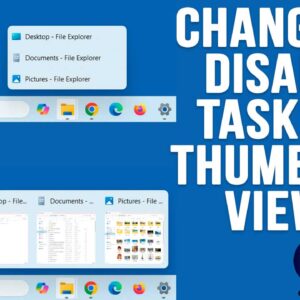
If you have been using Windows 11 for a while, you have probably noticed how limited it is compared to Windows 10 when it comes to customizing things such as the taskbar… Read More
If you have been using a computer, browsing the internet, watching the news or doing just about anything, you probably know about all the AI (Artificial Intelligence) hype going on these days.… Read More