

One of the main benefits of using a GUI (Graphical User Interface) on your computer is that you can use your mouse to click on things as well as drag and drop… Read More
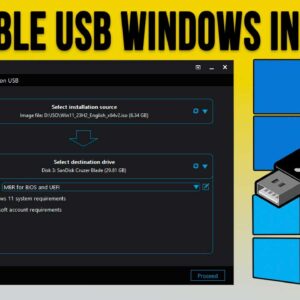
When it comes to getting a new computer, you have two choices, you can buy one preconfigured, or if you want a little more control over what hardware you will be using,… Read More
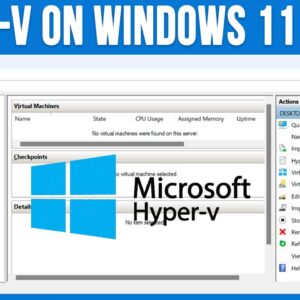
Using virtual machines to run multiple virtual computers on one physical computer is nothing new. But back when virtual machine technology was beginning, we could only run VM on expensive servers that… Read More
Microsoft Windows has a built in feature that will allow you to speak into your microphone and have your voice transcribed into text and then placed within whichever document or app you… Read More
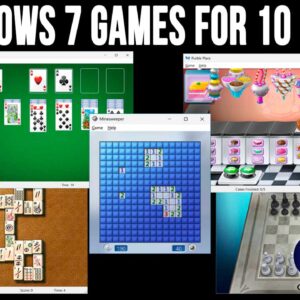
Computers can be used for many different tasks such as checking email, creating documents, browsing the internet, editing photos, and even writing code that can be used for even more apps. And… Read More
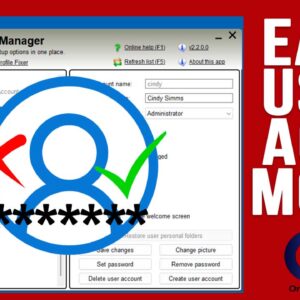
When it comes to managing Windows user accounts, there are several ways to go about it. You can use the Windows settings app, open the User Accounts tool in Control Panel, run… Read More
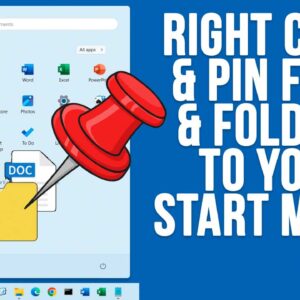
If you have been using Windows 11 for some time, you have probably noticed how its much harder to customize things such as the taskbar and start menu compared to how it… Read More
Windows file management is one of the most important skills to know in order to be a proficient Windows computer user. If you do not know how to do things such find,… Read More
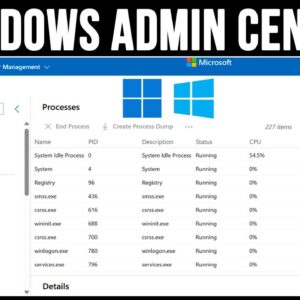
Whether you are an IT administrator or just a Windows power user at home, it’s always a good idea to know how you manage your computer so it’s always running at its… Read More

You may have noticed that almost everything we do on our computers these days requires an online connection. We are constantly pressured to have an email account associated with every device we… Read More