
As you probably know, Microsoft Windows comes in different versions based on your needs. Each version has its own unique set of features as well. For example, Windows 11 Professional allows you… Read More
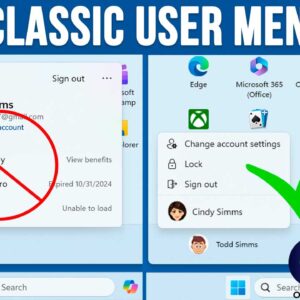
You might have noticed that Microsoft is constantly changing the way Windows 11 looks and functions. And it seems that every time there is a major update, we need to learn new… Read More
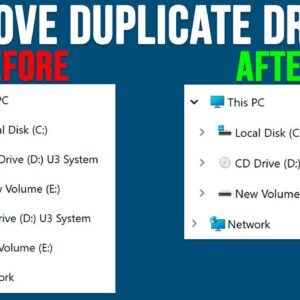
File Explorer is the tool or application used to manage files and folders in the Windows operating system. It’s broken down into several sections such as the toolbar on the top and… Read More
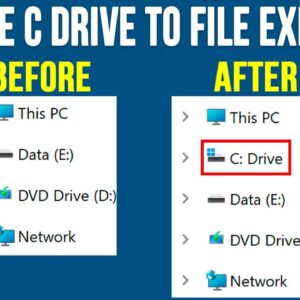
Managing your files and folders is an essential skill everyone should know how to do whether you are running Microsoft Windows or any other operating system. When it comes to doing things… Read More
WordPad is an application that comes installed with the Windows operating system and is a very simplified version of the Microsoft Word program that you can buy and install on your PC.… Read More
How to Pin Any File or Document to the Windows 11 Taskbar Windows 11 does not allow you to drag and drop personal files or documents directly to the taskbar by default.… Read More
File Explorer is the tool used in Microsoft Windows to access your files and folders and being able to effectively manage your files and folders is essential to be a proficient Windows… Read More
If you have ever right clicked on a program icon or shortcut in the Windows taskbar, you might have noticed that you will see a listing of your recently opened files or… Read More
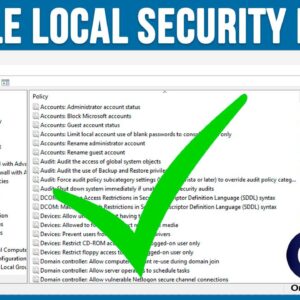
The Windows Local Security Policy Editor is a management tool that allows users to configure and control security settings on a local computer. It is similar to the Group Policy Editor tool… Read More
Depending on who you ask, Windows 11 is a vast improvement over Windows 10, but there are still many ways that Windows 11 still fails to compare to Windows 10 in terms… Read More