

As the entire world has embraced the information technology revolution, malicious activities on the internet have also abounded. We keep hearing the news that hackers attacked a website and brought it down… Read More

What would you do if your files were taken hostage? Imagine one day that you open an email that looks like it came from Google and it invites you to click… Read More

Are you and your website safe from spyware? WordPress is a big target for cybercriminals because about 35 percent of Internet sites are run on WordPress. If you’re one of these, it’s… Read More
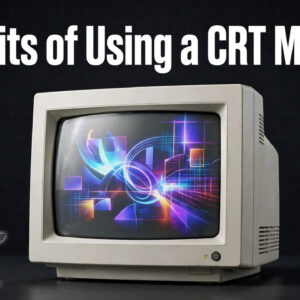
Anyone born before 2003 will have at some stage used a CRT monitor, or a cathode ray tube monitor. The name itself quite aptly captures the incredible bulky and awkward devices that… Read More
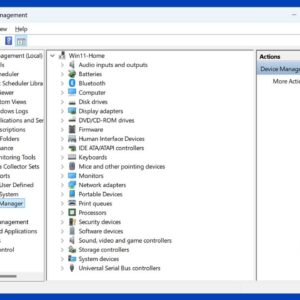
Everyone likes to manage their computer and configure it the way they want it to be. But you may not know about all of the things you can manage and configure on… Read More

How smart is your office? It is no exaggeration to call the Internet of Things (IoT) a phenomenon and a rapidly growing field, with Gartner estimating there will be as many as… Read More
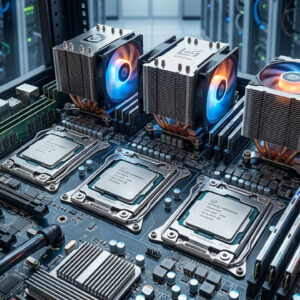
Top 4 Best CPUs for Gaming and Performance Most gamers tend to focus more on finding the best graphics card while overlooking the importance of a high-performance CPU. This is logical since… Read More

If you upgraded to Windows 10 or Windows 11 from an older operating system like Windows 7, you likely noticed that many of your favorite built-in programs are gone. Microsoft replaced the… Read More

Have you been thinking of creating your own website? Having a website is a must for any type of business. Customers probably expect you to have one whether it’s for selling products… Read More
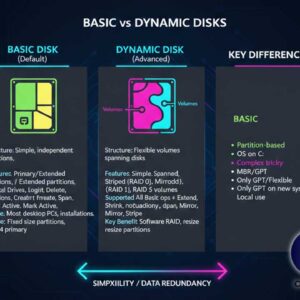
As you may know, your hard drive or drives is what stores your files as well as your operating system. Without one, you can’t really use a computer unless you temporarily boot… Read More