
Computers have been around for a long time. Probably longer than most people thought they have been around for. Of course the first computers are nothing like the computers we are used… Read More
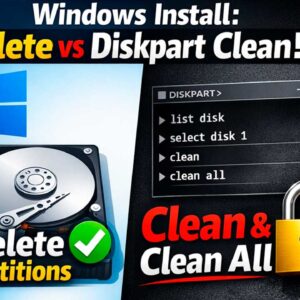
There are many reasons you might need to install or reinstall Microsoft Windows on your computer. You may be upgrading from Windows 10 to Windows 11 and want to do a clean… Read More
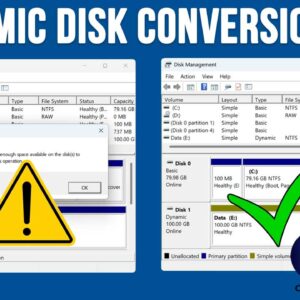
If you’ve tried converting a basic disk to a dynamic disk in Windows and encountered the “There is not enough space available on the disk to complete the operation.” error, you’re not… Read More

If you’ve ever watched a long YouTube video and wished you could skip straight to the part you care about, you already understand why chapters matter. YouTube chapters break your video into… Read More
When it comes to playing music, most people these days use some type of streaming service such as Spotify, Apple Music, YouTube Music or Pandora to name a few. But for those… Read More
YouTube is the most popular streaming and hosting website in use today. YouTube offers multiple ways to organize and manage your viewing experience, but the differences between Playlists, Watch Now, and Queued… Read More
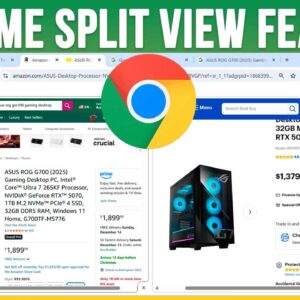
Google Chrome is one of the most popular web browsers in use today. It’s available for many operating systems including Windows, Linux and even macOS. And as you probably know, Google also… Read More
Cybersecurity is an ever growing issue these days and it seems like there is always someone trying to steal your personal information. If you are the type of person who still prefers… Read More
Flash drives are commonly used today for a variety of purposes from sharing and transferring files to installing operating systems such as Windows and Linux. If you frequently use your flash drive,… Read More
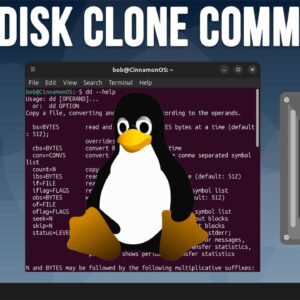
With hard drives getting faster, larger and sometimes cheaper at the same time, it makes sense that doing a hard drive upgrade is an easy way to get more performance out of… Read More