
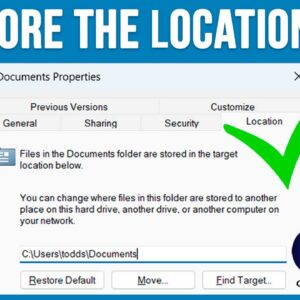
If you have been using Microsoft Windows for any amount of time, you are most likely using File Explorer to manage your files and folders. You are also probably using the default… Read More
If you have been a long time Microsoft Windows user, then you have most likely ran multiple versions of their Operating system on your computer such as Windows 7, Windows 10 and… Read More

Communication via email has evolved into a necessary tool in our lives in the digital era. One of the most used email systems, Gmail keeps memories, documents, and significant discussions among other… Read More
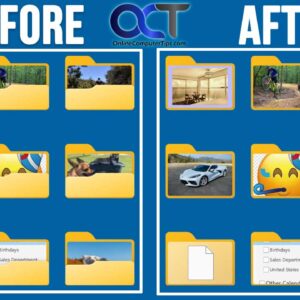
If you are a Microsoft Windows user and use File Explorer to manage your files and folders, you might have noticed that when you use the icon view that your folders will… Read More
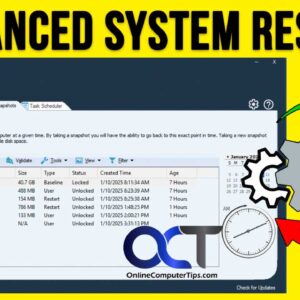
If you are like most people, there has been a time (or many times) when you have had problems with your computer such as it not starting up, running slow, showing constant… Read More
As you probably know, Microsoft has been updating Windows 11 on a regular basis, whether we like it or not. One problem with these forced Windows updates is that sometimes they can… Read More
File History is the built in Windows file and folder backup tool that has been around for many years. You can use it in Windows 10 and Windows 11, and it works… Read More
Starting with Windows 11, File Explorer now has the ability to open multiple tabs like you can with your web browser so you can toggle back and forth between different folders or… Read More
File Explorer has been the default application that is used in Microsoft Windows for years to view your files. Sure, there are third party alternatives such as the OneCommander file manger app,… Read More
Being able to remotely control a computer over the internet or the network is nothing new, but many people struggle trying to figure out what is the best way to do so.… Read More