
Microsoft Word is the most popular word processing application in use today. It’s widely used by home users and businesses alike. And even though Word was created by Microsoft for Windows, there… Read More
Keeping track of changes to your important files (as well as backing them up) is one of the basic Windows file management tasks that everyone should be able to do. But if… Read More
When working with hard drives in Windows, you will most likely have your disks configured as basic rather than dynamic. Dynamic disks in Windows are used for advanced storage management, allowing for… Read More
System Restore points are used in Microsoft Windows to restore your computer to a previous state without affecting personal files. They act as snapshots of system settings, installed programs, registry configurations, and… Read More
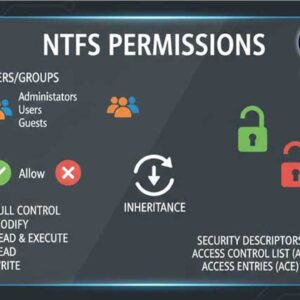
File and folder permissions are essential for securing data in Windows and preventing unauthorized access. These permissions define what actions users can perform on files and folders, ensuring that sensitive information remains… Read More
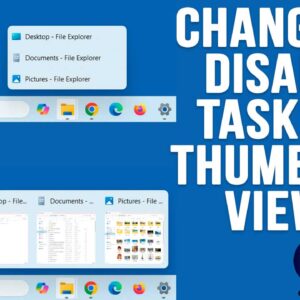
If you have been using Windows 11 for a while, you have probably noticed how limited it is compared to Windows 10 when it comes to customizing things such as the taskbar… Read More
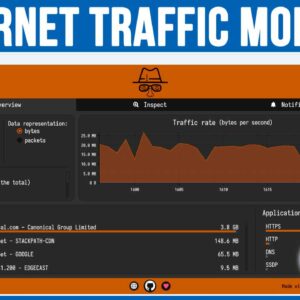
If you are the type who likes to know what is going on with your computer in regard to traffic from the network or from the internet, then you may want to… Read More

As you probably know, your hard drive is where things such as your operating system (Windows, Linux, macOS), application and user files are stored. You may have more than one hard drive… Read More
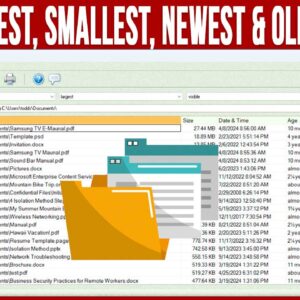
Even though today’s hard drives are larger and cheaper than ever, many people still find themselves filling them up since today’s files seem to be larger than ever as well. There are… Read More
If you have been using a computer, browsing the internet, watching the news or doing just about anything, you probably know about all the AI (Artificial Intelligence) hype going on these days.… Read More