
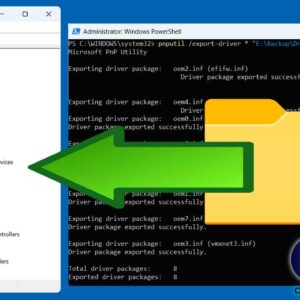
Drivers in Windows are specialized software programs that allow the operating system to communicate with and control hardware devices such as printers, graphics cards, keyboards, and network adapters. Without drivers, Windows wouldn’t… Read More
Managing your computer’s hardware is usually one of those tasks that you do once and then never have to worry about afterwards. If you are the type who likes to install Windows… Read More
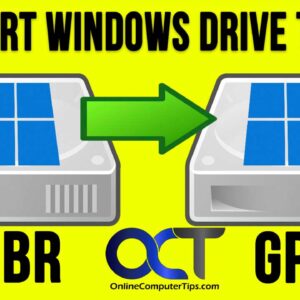
When it comes to configuring your hard drives in Windows, you have two options for the data structure that is to be used for your disks. In most modern computers with larger… Read More
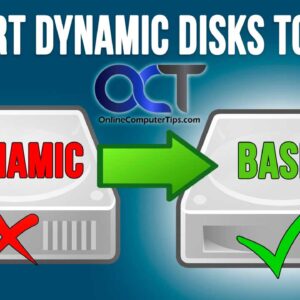
When working with hard drives in Windows, you will most likely have your disks configured as basic rather than dynamic. Dynamic disks in Windows are used for advanced storage management, allowing for… Read More

As you probably know, your hard drive is where things such as your operating system (Windows, Linux, macOS), application and user files are stored. You may have more than one hard drive… Read More

Managing storage in Windows 11 is a fairly simple task if you have just one hard drive installed within your computer. This drive will contain Windows as well as your programs and… Read More
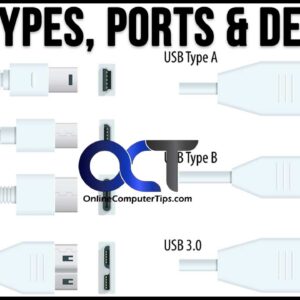
USB devices are very common amongst PC users. Whether you are running Windows, Linux or macOS, you will more than likely be connecting USB devices such as external hard drives, flash drives,… Read More

As you probably know, the hard drive in your computer is used to store things such as your operating system (Windows) as well as your programs (apps) and personal files such as… Read More
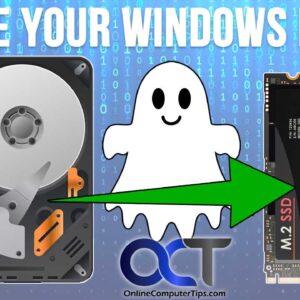
There are many reasons one might want to clone their Windows drive to another disk. It may be a case of wanting to upgrade to a larger or faster hard drive or… Read More
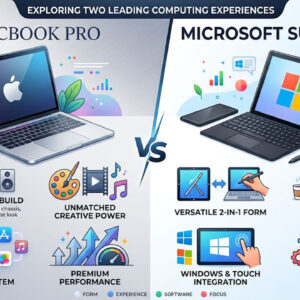
In the world of graphic design, choosing the right laptop is crucial for optimizing productivity and enhancing creativity. Among the top contenders in this domain are the MacBook Pro and the Microsoft… Read More