
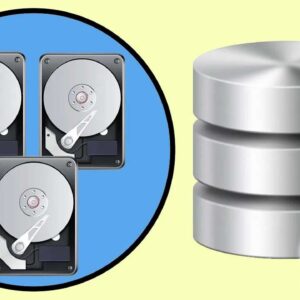
Use Storage Spaces to Create Virtual Disks From Physical Disks Here is a newer article on how to use Storage Spaces on Windows 11. Windows has a feature called Storage Spaces which… Read More
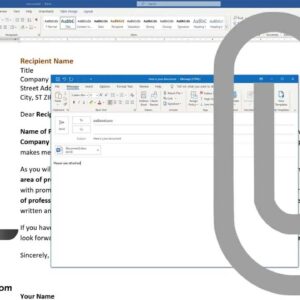
For some reason Microsoft decided that they didn’t need to have the send to email icon in the ribbon for Office 2016 even though it’s a really handy feature. It allows you… Read More
There may come a time when you will need to format your hard drive for some reason or another. These reasons may be because you are installing new operating system from scratch,… Read More
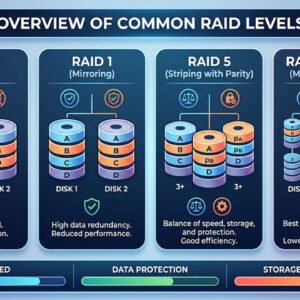
When it comes to corporate data on enterprise level storage it’s important to make sure that your data is protected and available at all times, or as close to that as you… Read More
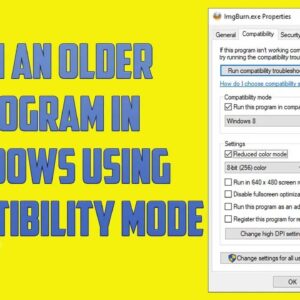
As Microsoft comes out with new versions of Windows and you replace your computer or upgrade your version of Windows you will most likely still need to run your older software. This… Read More
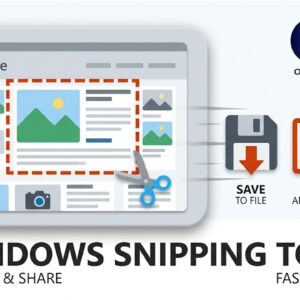
If you are still pressing the Print Screen key on your keyboard and pasting the result into Microsoft Paint, it is time for a serious workflow upgrade. Capturing exactly what is on… Read More
If you have used Windows 10 or Windows 11 recently, you already know how frustrating the settings menus can be. Microsoft has spent the last few years slowly moving features out of… Read More
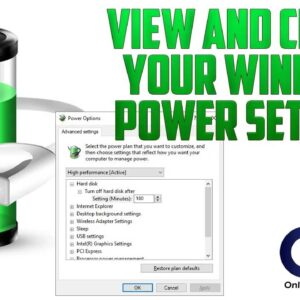
Power options in Windows are used to control how your computer manages its power settings for resources such as shutting down the monitor or hard drives as well as things such as… Read More
You may have noticed or been aggravated by the fact that Microsoft Outlook won’t allow you to open or save certain types of file attachments from your email. You may frequently see a warning… Read More
Most computer users and music lovers completely enjoy the ability to burn their own custom music CDs directly from their MP3 collection stored securely on their computer. Many people blindly buy expensive… Read More