
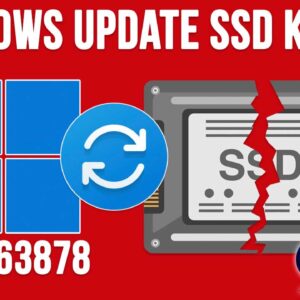
There has been a recent Windows 11 update that is wreaking havoc on a variety of SSD hard drives. Many people who install this update have lost data and are not dealing… Read More
Backing up your computer is one of those tasks that should be done on a regular basis yet ignored by many people until it’s too late. There are many reasons to perform… Read More
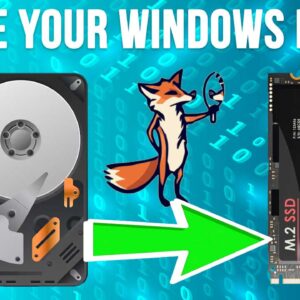
As you probably know, you need a hard drive installed in your computer to install an operating system such as Windows, Linux or macOS. You also use your hard drive to install… Read More
Virtualization is a great way to do things such as test out new operating systems without needing to change the configuration of your computer to do so. You can also use it… Read More
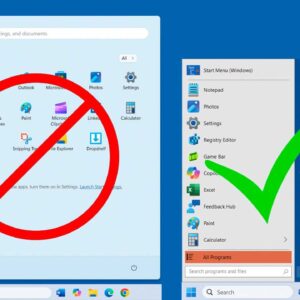
As Microsoft releases new versions of Windows, they usually change the way the user interface looks to justify calling it “updated”. But many times, these changes are not what users want to… Read More
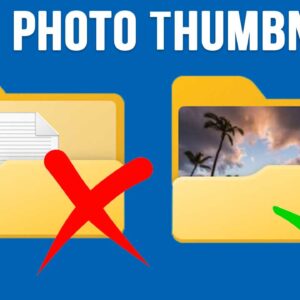
As you probably know, Windows comes with a default system folder called Pictures that is exclusively used to store your photos. You absolutely do not have to use the folder for your… Read More
Since all our devices are connected these days, it makes sense that we would want to have our important and commonly used files handy no matter where we are or what device… Read More
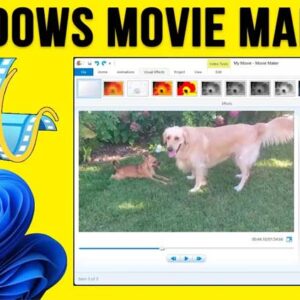
With everyone having a video camera in their pockets (aka a smartphone), it makes sense that many people now consider themselves amateur video producers and photo editors. Some people like to edit… Read More
If you are a Microsoft Windows user, then you most likely log into your computer using a PIN rather than a password. When you install or log into Windows the first time,… Read More
As you probably know, Google’s Gmail service is one of the most popular email services in use today with over 2.5 billion active users worldwide. Once you have a Google account, you… Read More